Phone overheating? Here's how to cool down your phone: get it out of the sun straight away, take it out of its case and switch it off or put it in airplane mode. Then let it cool down in the shade for 10 to 15 minutes, and never put it in the fridge. Smartphones work best between 0 and 35°C. Any hotter, and your device starts to struggle.
You're lying on the beach, scrolling through your feed, when suddenly your screen goes black and a temperature warning pops up. An overheated phone is a common and frustrating problem on hot summer days. Do the right things and you'll protect the hardware and be reachable again in no time.
Know exactly why your phone is getting hot? Then you can also stop it from overheating in the first place, and that beats damage control afterwards.
Why is my phone overheating in extreme weather?
Smartphones are designed to perform best at an ambient temperature between 0 and 35°C. As soon as the thermometer climbs above that during a heatwave, the internal lithium-ion battery quickly hits its physical limits. Above 35°C, the components in your phone wear out faster. If that happens often, your battery won't last as long, and in the worst case you risk permanent damage to parts like the screen and the processor.
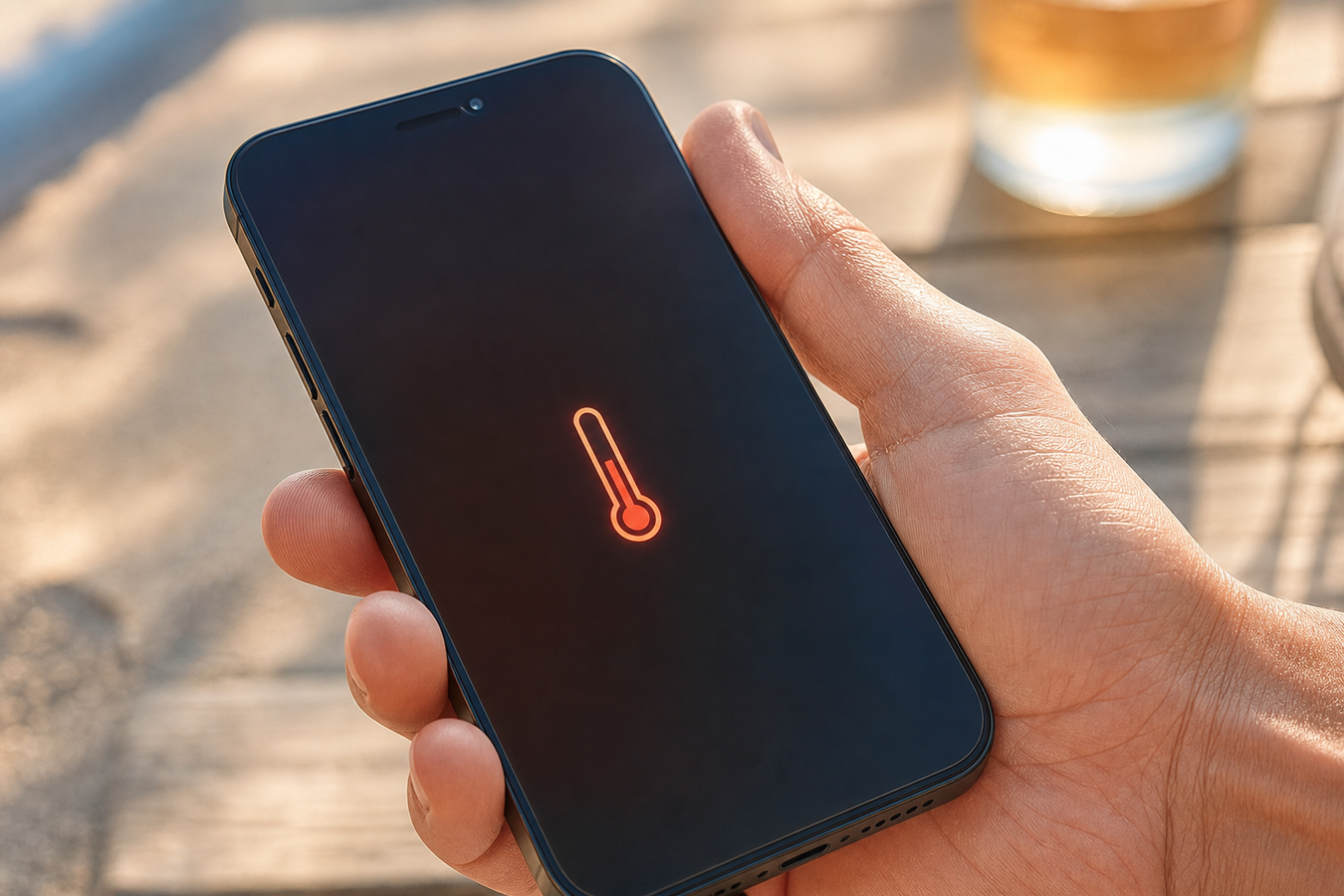
To prevent irreparable damage to the motherboard, the built-in protection on your iPhone or Android phone kicks in. The operating system first slows down the processor and dims the screen. If that isn't enough, the software blocks all functions and a temperature warning appears on screen. That protects your device, but it's a pain when you need the camera or navigation.
In practice, phone overheating is rarely caused by just one thing. It's almost always a combination of external heat and the heat from internal processes. A phone lying in direct sunlight or behind a hot car windscreen absorbs heat through its glass or metal frame. Combine that with heavy use, and the heat has nowhere to go. The processor runs flat out and generates heat from the inside, while the sun keeps heating the device from the outside.
Checklist: 4 tips to stop your phone overheating
Prevention is better than cure, especially with expensive electronics. Run through this checklist of hot-weather tips to keep your phone cool on warm days and stay ahead of heat problems:
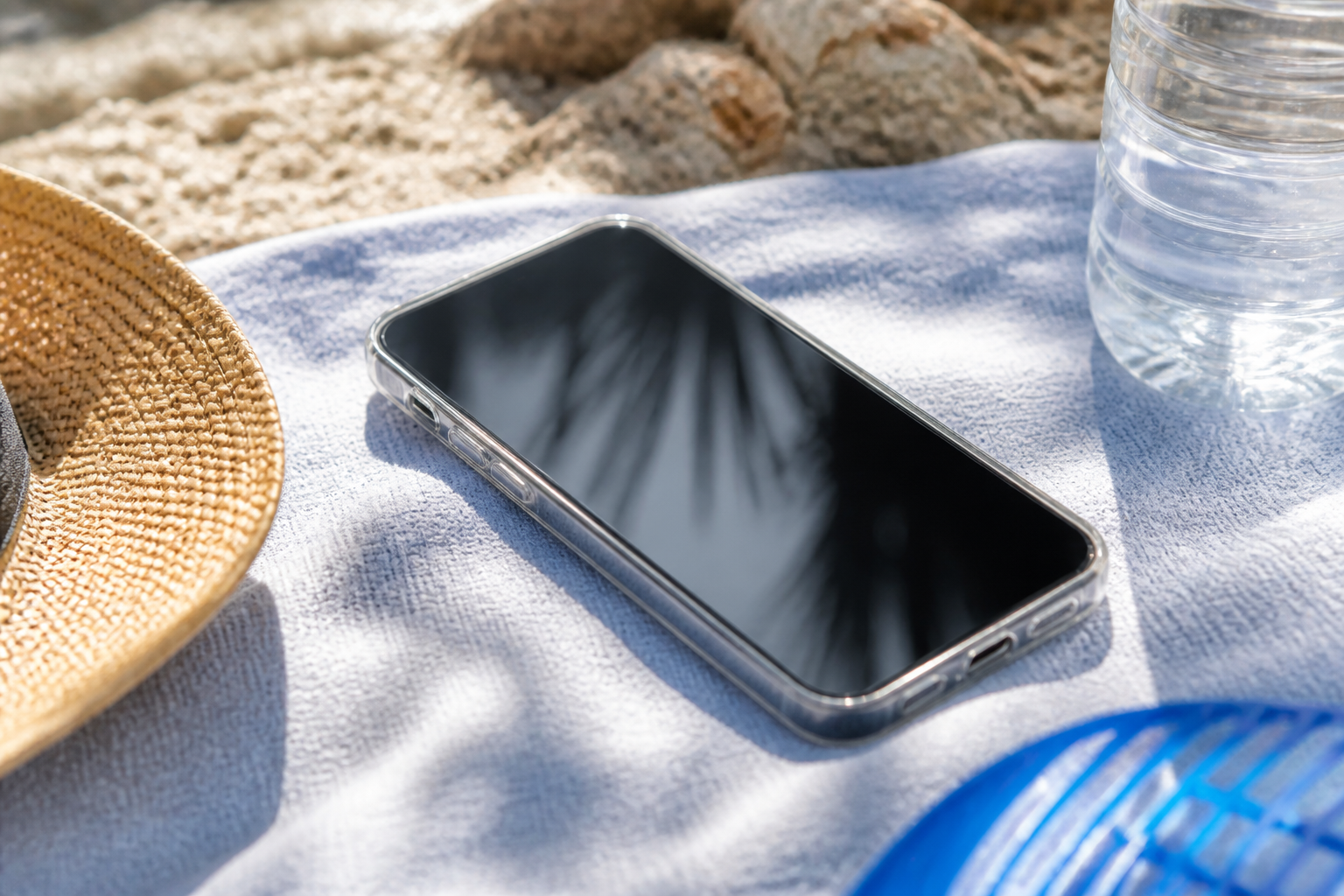
Avoid direct sunlight and hot cars: Never leave your phone in a closed vehicle or out in the open on your beach towel. Behind car windows, the temperature can rise far above the critical limit within ten minutes. Always keep the device in a shady spot or in a bag.
Stop charging in the heat: A charger generates a lot of internal heat, especially if you're using a fast charger. Charging in the heat pushes the battery beyond its thermal limit. Ideally, charge your device early in the morning or late in the evening, or do it in an air-conditioned room.
Close heavy apps and processes: Apps like 3D games, the video camera or GPS navigation put maximum strain on the processor. Download maps in advance over Wi-Fi to reduce the processing load while you're driving. Close heavy apps straight away from the app switcher as soon as you notice the back of the device getting hot.
Turn on airplane mode for a while: On busy beaches, at festivals or on campsites, the antenna is constantly searching for a stable 4G or 5G signal. All that sending and receiving eats up power and produces heat. Airplane mode turns off mobile data and Wi-Fi, so your phone stops searching for a signal and generates less heat.
How your phone case affects the temperature
In summer, many phone cases unintentionally act as an insulating layer. Drop protection matters, but thick material blocks the battery's natural heat dissipation. Should you remove your phone case if your phone is overheating? Yes: taking it off for a while helps the heat escape much faster when your phone already feels hot.
Case type |
Behaviour in the heat |
Our advice |
|---|---|---|
Thick, sturdy cases |
More material around your phone absorbs a drop better, but also traps more heat. As a result, your phone cools down more slowly. |
Choose these cases for extreme outdoor activities, but avoid them in direct sunlight or take them off straight away when you get a temperature warning. |
Thin cases |
Thinner material (such as thin silicone or hard plastic) traps less heat. Even a thin case holds on to some heat, though. |
Choose this type for everyday use during heatwaves: your phone stays protected and can still get rid of its heat. |
No case |
Heat can escape from the device most easily. |
Only go without a case temporarily to cool down, as your phone isn't protected against drops. |
What should you do when your phone gets too hot?
Never ignore a hot phone. Act straight away to reduce the load on the processor and the lithium-ion battery, before the screen goes black. Follow these exact steps to cool down your smartphone safely and in a controlled way:
-
1
Switch the phone off straight away
Has the screen already gone black, is your iPhone or Samsung showing a temperature warning, or does the back feel burning hot? Then switch the phone off completely. A smartphone works best between 0 and 35°C. If switching off isn't an option because you need to stay reachable for emergencies, at least turn on airplane mode. Airplane mode turns off mobile data and Wi-Fi, so your phone stops searching for a connection and generates less heat. Any open apps will keep running, though, so switching it off completely cools it down faster.
-
2
Remove the case and unplug any cables
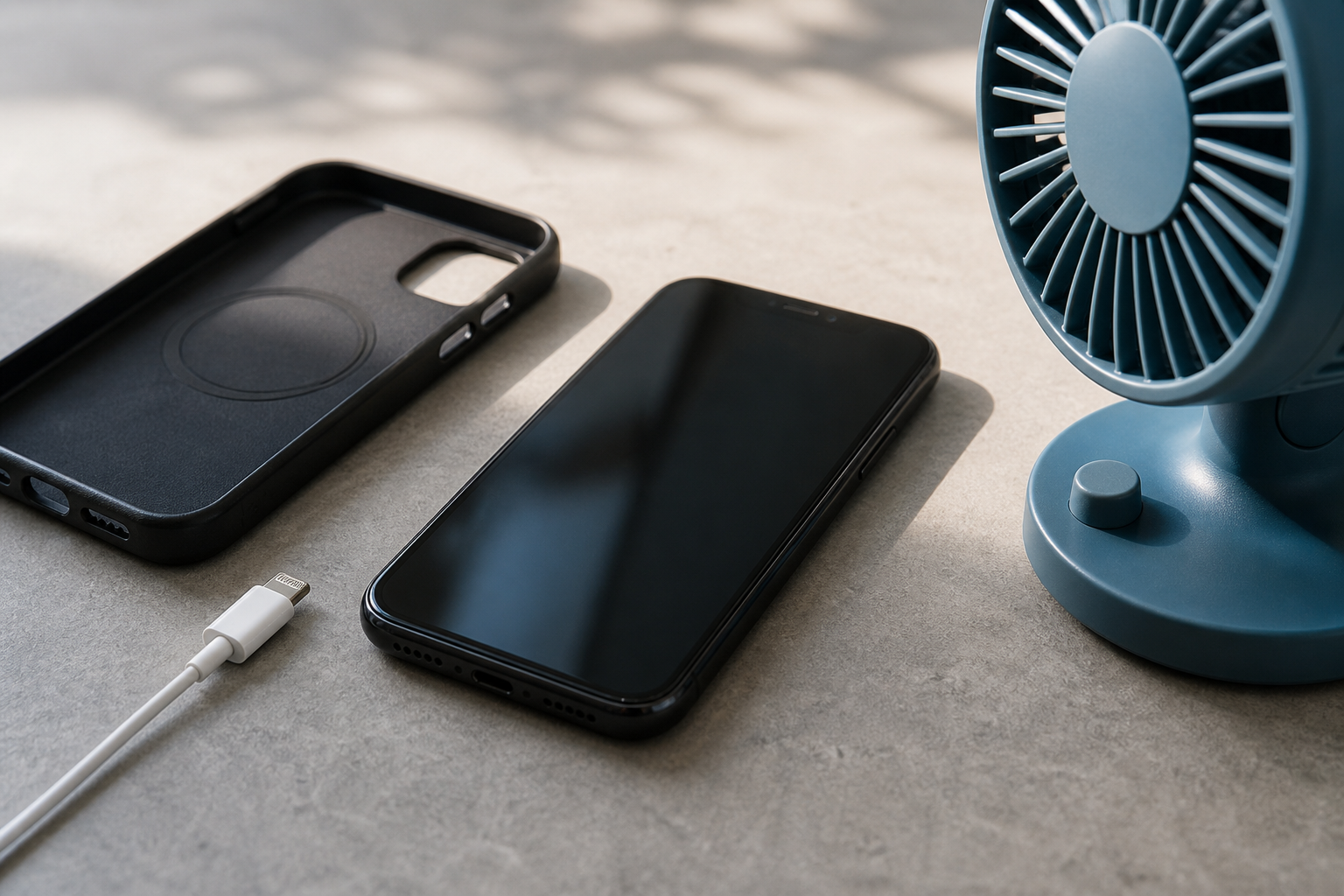
Take your smartphone out of its protective case straight away. If it's charging, unplug it from the wall socket or power bank immediately too. Without an insulating layer and without incoming power, the built-up heat can escape through the housing much faster.
-
3
Put the phone in a cool airflow
Place the phone on a hard, flat surface in the shade. A stone floor or a spot in front of a fan on a low setting works well. Avoid soft surfaces like cushions, sofas or towels, as they trap the heat and reflect it back into the device.
Dos and don'ts for cooling down your smartphone
A common and fatal mistake is trying to force the cooling process. Sudden temperature changes cause condensation to form inside your phone. This moisture settles on the motherboard and leads to irreparable internal water damage, much like dropping your phone in the pool.
| Method | Status | Effect on the smartphone |
|---|---|---|
| Shade and a hard surface | Safe (do) | The heat gradually dissipates into the surrounding air. A stone floor absorbs the heat effectively without any risk of condensation. |
| Room fan | Safe (do) | A gentle, steady airflow speeds up cooling in a natural and safe way. |
| Fridge or freezer | Dangerous (don't) | The extreme cold causes immediate internal condensation. This almost instantly leads to a short circuit and permanent water damage to the components. |
| Right in front of the car air con | Dangerous (don't) | The ice-cold, concentrated airflow cools the outer glass too quickly, causing thermal shock, cracks and internal condensation. |
FAQs about a hot smartphone
Is it bad if your phone is constantly overheating?
Yes, prolonged exposure to temperatures above 35°C permanently degrades the chemicals in a lithium-ion battery. In practice, you'll notice your battery health dropping faster and having to charge your phone more often. By acting straight away and reducing the heat, you keep this irreversible loss of capacity to a minimum.
What exactly does the temperature warning on my iPhone or Samsung mean?
This alert means your phone has become too hot to work normally. To protect itself, the phone dims the screen, charges more slowly or stops charging altogether, and the camera, flash and mobile network may temporarily stop working. You can still call an emergency number. Other Android phones show a similar warning, although the wording varies by brand. It's a built-in emergency brake to prevent damage, not a fault with your phone.
Can I keep using my phone if it feels hot but doesn't shut down?
No, it's unwise to carry on using heavy apps when the frame feels uncomfortably hot. Even though the automatic protection hasn't kicked in yet, the battery is wearing out faster at that point. Pause heavy tasks, turn on airplane mode and give the device fifteen minutes' rest in a cool, shady spot.
Extreme weather calls for extra care for your smartphone. By avoiding direct sunlight, pausing heavy apps and cooling your phone down the right way, you prevent permanent damage to your battery health. Get your phone ready for summer. Browse our wide range of phone cases at directcases.com to keep your phone well protected on hot days too, without trapping the heat.