Is your phone having trouble charging? Before you clean the charging port, unplug the charging cable and look for lint or dirt. If debris is stuck, follow your device’s cleaning instructions or ask a repair technician for help.
Why isn’t my phone charging properly?
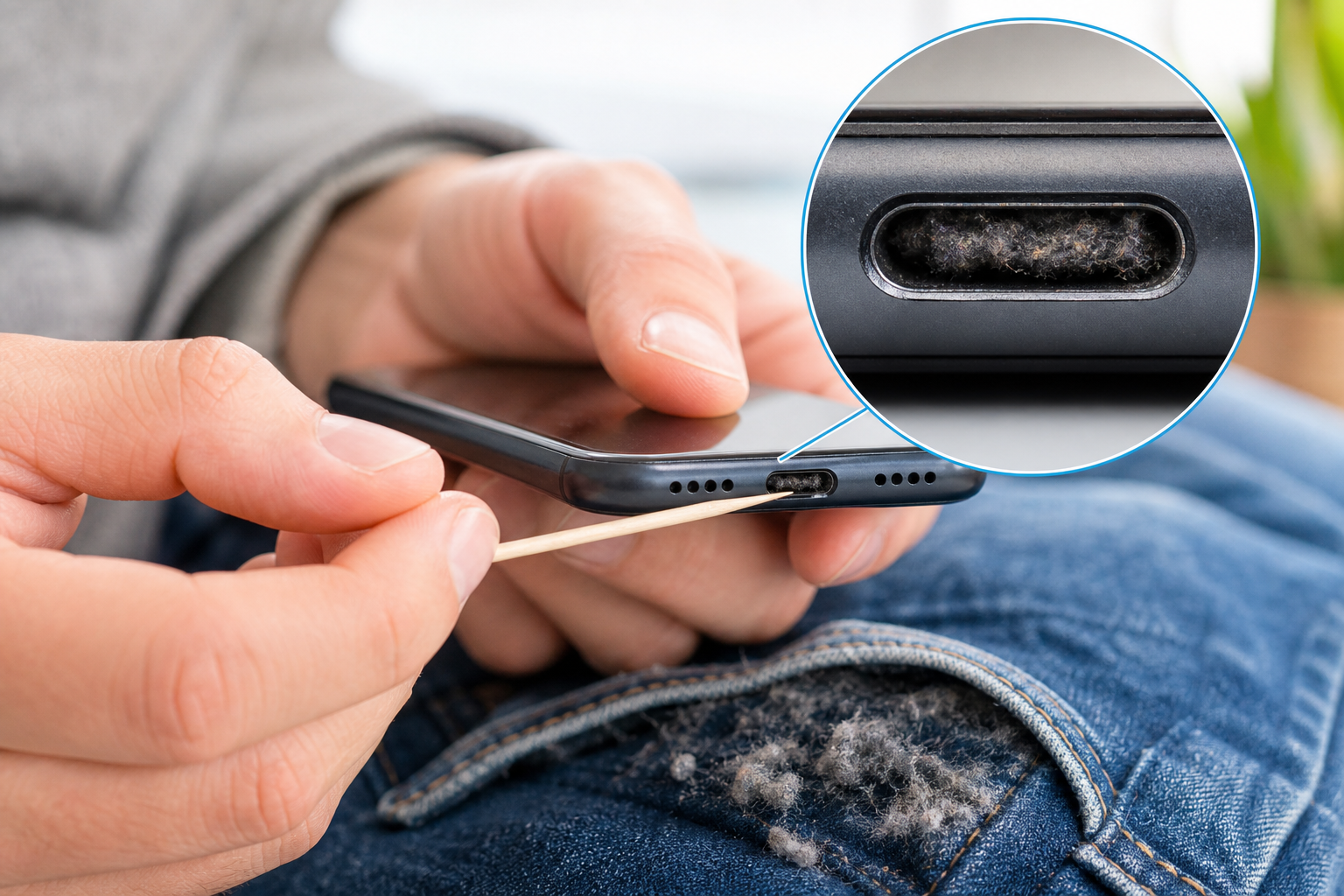
Dirt in the charging port can keep the plug from fitting properly. Check whether your phone charges with another compatible cable, a different power adapter, or another outlet.
Check your phone’s charging port
Inspect the port before you try to remove any dirt.
-
1
Unplug the charging cable and turn off your phone.
-
2
Shine a flashlight into the charging port and look for dirt.
-
3
Don’t insert anything into the port or use compressed air.
-
4
Is debris stuck in the port? Follow your device’s cleaning instructions or ask a repair technician for help.
If you don’t see any dirt or your phone still has trouble charging, try another compatible charging cable, power adapter, or outlet.
What should you avoid when cleaning your charging port?
Don’t insert a needle, paper clip, toothpick, or brush into the port. Don’t use compressed air or let any cleaning solution run into the port.
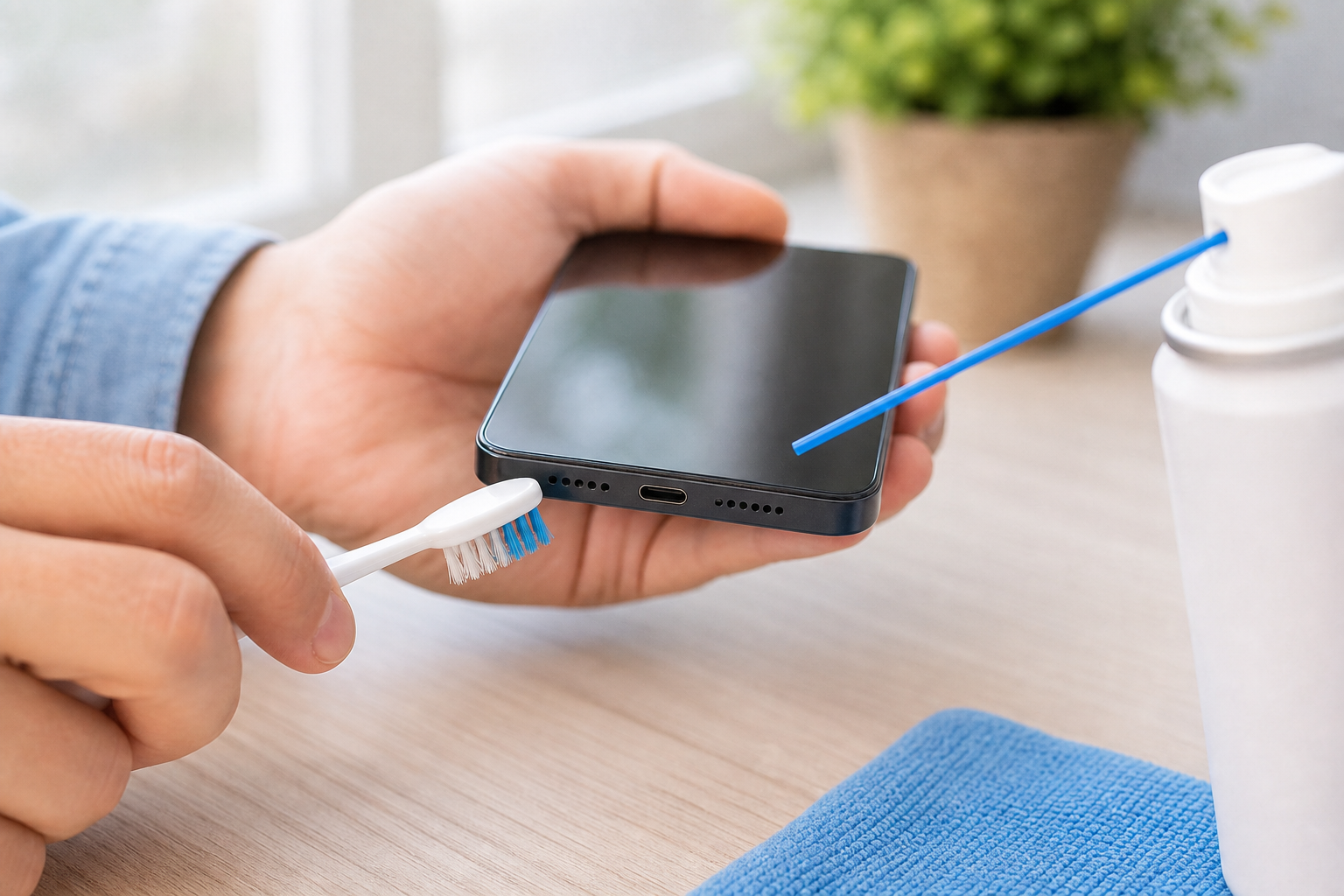
Clean and dust your phone speaker
Play a video on your phone and listen for muffled audio. If the sound is muffled and you want to clean the speaker, follow these steps:
Use a soft, dry brush, such as a clean toothbrush, to loosen dirt around the speaker openings.
Angle the brush against the phone’s casing and brush the dirt outward. Pressing directly on the openings can push dust farther in.
Play the video again to check whether the sound is clearer.
How do you keep dust out of your charging port and speakers?
How you carry your phone affects how quickly its openings get clogged. Keep the charging port facing up in your pocket so lint at the bottom doesn’t go straight into it.
To use the port less often, charge wirelessly more often with MagSafe or Qi. Without a plug to insert, you won’t push existing dirt farther into the port.
Benefits of a dust plug
Want to avoid having to clean the port?
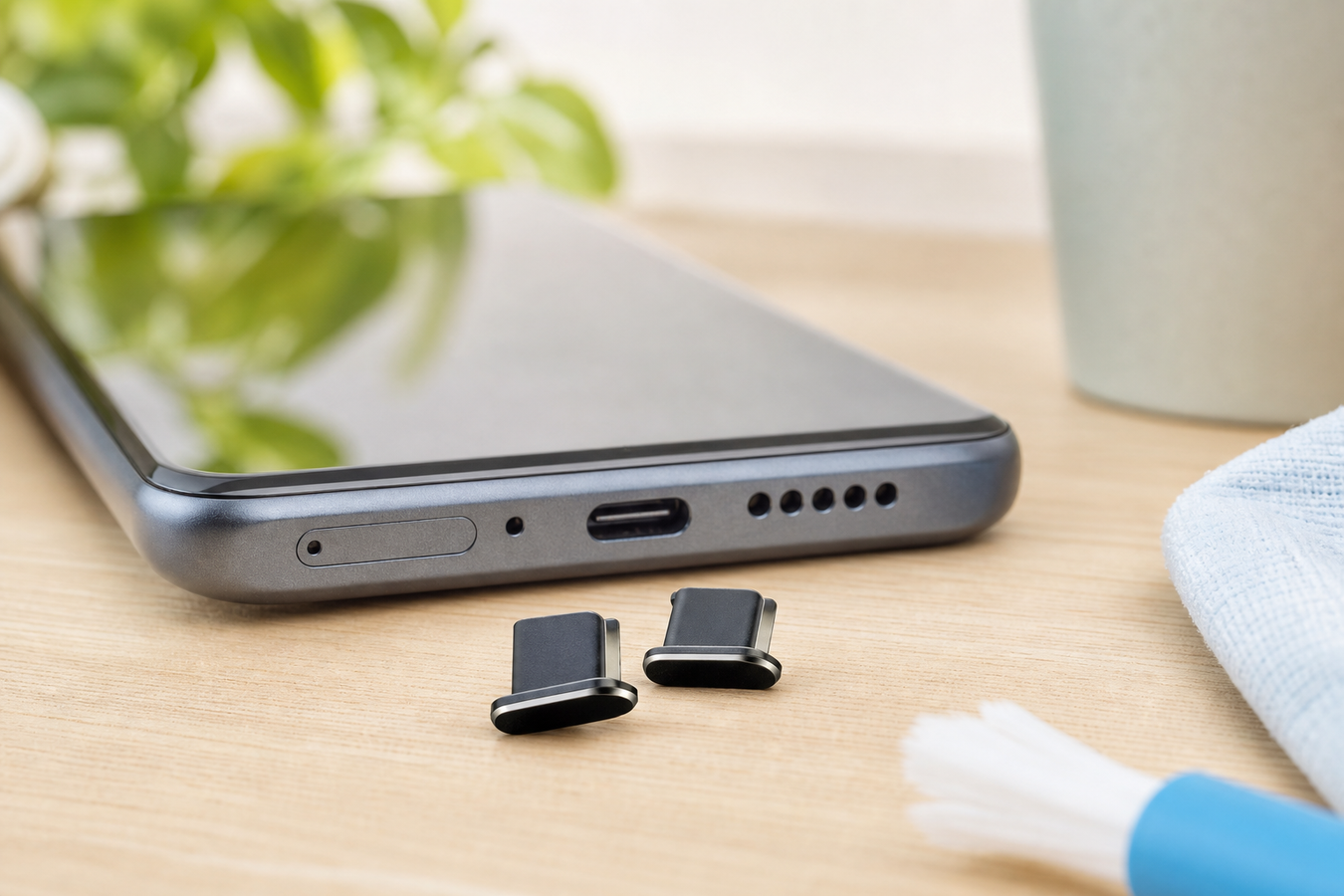
A dust plug seals the opening to keep out sand, pocket lint, and splashes.
A small plug costs just a few euros. Replacing a damaged charging port can cost hundreds of euros.
The plug sits close to the phone and won’t fall out on its own. Choose one that fits your Samsung phone’s USB-C port or your iPhone’s Lightning port.
Lift the plug out with a fingernail when you need to connect a cable. Once the battery is charged, press the plug back into place.
Dust plug, adhesive mesh cover, or case?
A few euros can help you avoid a costly repair. There are three main options. Choose the one that best suits how you use your phone.
Accessory |
Best for |
Main benefit |
|---|---|---|
Anti Dust Plug |
Targeted protection for the charging port |
Barely visible and inexpensive |
Adhesive dust mesh covers |
Protecting the speakers |
Keeps dirt out without affecting sound quality |
Case with a port cover |
All-around protection in dusty settings |
The cover stays attached to the case so you won’t lose it |
Choose a dust plug if you want a discreet way to protect the charging port. The small silicone plug is barely visible once inserted. It’s practical for everyday use at home or in the office.
Popular Anti Dust Plugs
Do the openings at the bottom of your phone keep filling with lint? Apply an adhesive mesh cover over the speaker. It’s designed to filter out sand and dust while keeping music and calls clear.
If you work in construction or spend a lot of time outdoors, skip loose plugs and choose a shockproof phone case. Brands such as Otterbox and Mobigear make rugged cases with built-in port covers. Open the rubber cover to charge, then press it firmly shut for all-around protection.
Charging port cleaning FAQs
Can dirt damage my charging port?
Don’t force the plug if it doesn’t fit properly. Is debris stuck in the port? Check your device’s instructions or ask a repair technician for help.
What should you never do when cleaning your charging port?
Don’t insert any objects into the port, including wooden toothpicks. Don’t use compressed air or let any cleaning solution get into the port.
Why won’t my phone charge even though the port is clean?
Try another compatible charging cable, a different power adapter, or another outlet. If your phone still won’t charge, have it checked.
How do you keep dust from getting back into your charging port?
Keep the port facing up in your pocket so lint at the bottom doesn’t fall in. You can also cover a USB-C or Lightning port with a dust plug. It’s an inexpensive barrier against sand and pocket lint.
Is debris stuck in your charging port? Follow your device’s cleaning instructions or ask a repair technician for help. Want to cover the port while the charging cable is unplugged? Browse our Anti Dust Plugs.