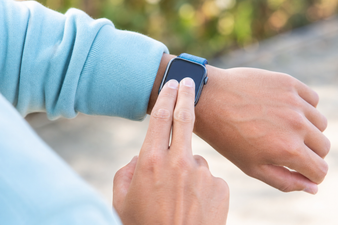
Looking for an Apple Watch with ECG? The feature is available on the Apple Watch Series 4 and later and on all Ultra models. The Apple Watch SE lacks the hardware needed to record an electrocardiogram.
A reading with the built-in electrical heart sensor takes exactly 30 seconds and gives you immediate information about your heart rhythm. Here’s how the sensor works and what to do to get a steady reading.
Which Apple Watch models have ECG?
Wondering if your watch has the right sensors?
A software update alone won’t give a watch ECG capability. It needs an electrical heart sensor, which Apple introduced in 2018 with the Apple Watch Series 4. Every Series model released since then through Series 12 has the feature. All generations of Apple Watch Ultra through Ultra 4 also have the sensor.
Along with a compatible watch, you’ll need a paired iPhone. Make sure your iPhone and watch are running the latest versions of iOS and watchOS.
| Model of Apple Watch | ECG app available? | System requirements |
|---|---|---|
| Series 1, 2, and 3 | No | N/A |
| Series 4 through 12 | Yes | Paired iPhone + latest watchOS |
| SE (all generations) | No | N/A |
| Ultra 1 through 4 | Yes | Paired iPhone + latest watchOS |
Have an older watch, such as the Series 3? It can’t take an ECG, even after an update. It lacks the electrodes in the case and Digital Crown. On compatible watches, you’ll find the app in your app list after setup. Open the Health app on your iPhone and enter your date of birth to activate the feature.
Why doesn’t the Apple Watch SE have ECG?
Every generation of Apple Watch SE lacks the hardware for an ECG. Apple designed the watch as an entry-level model and left out the most advanced health features to keep the price down.
The main difference is in the sensors. The Apple Watch SE has only an optical heart sensor. The green LEDs on the back shine light into your skin so the sensor can detect blood flow and calculate your heart rate. That works well for tracking your pulse during a run or while resting. An optical sensor can’t pick up the electrical signals from your heart muscle. That takes an electrical heart sensor.
Without electrodes in the back and the Digital Crown, your body can’t complete the circuit. The SE can’t record an ECG, even with the latest software. If ECG is a feature you want, you’ll need a higher-priced Series or Ultra model.
How do the Apple Watch ECG and electrical heart sensor work?
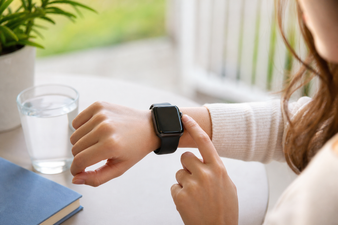
Say you’re sitting at the kitchen table and feel your heart beating irregularly. You open the ECG app and rest your index finger against the side of the watch. Thirty seconds later, the result appears on the display.
Your body conducts the electrical signals during an ECG. When you start a recording, the electrical heart sensor takes over from the optical sensor. Here’s how the recording works:
Resting a finger from your free hand on the Digital Crown completes an electrical circuit. It runs from the wrist wearing the watch, across your chest, to your other hand.
Electrodes in the glass back of the case and in the Digital Crown pick up the tiny electrical signals that make your heart muscle contract with each beat.
The result is a single-lead electrocardiogram, comparable to a basic ECG reading. A cardiologist uses twelve leads for a more complete picture, but one lead can provide enough information to analyze your heart rhythm.
The electrodes need steady skin contact. A snug band keeps the watch in place. If the band is too loose, the electrodes can lose contact and the recording may fail.
There’s no need to press. A light touch with your fingertip is enough to keep the circuit closed for 30 seconds.
How do you take an ECG on Apple Watch?
Tighten your watch band by one notch and check that you’re wearing the watch on the wrist you selected in settings. The electrical heart sensor needs continuous contact with your skin. Then follow these steps to take an ECG.
-
1
Open the ECG app:
Look for the white icon with a red heartbeat trace on your watch and tap it. If the app isn’t there, set up the feature in the Health app on your iPhone. Make sure both devices are running the latest versions of iOS and watchOS.
-
2
Get into position:
Sit down and rest the arm wearing the watch flat on a table or in your lap. Keep still and avoid talking. Muscle tension can interfere with the recording.
-
3
Start the recording:
Rest the index finger of your free hand lightly on the Digital Crown. Don’t press it. Keep your finger still. The countdown starts as soon as the watch detects contact.
-
4
Stay still for 30 seconds:
As the timer counts down, you’ll see your heartbeat trace on the display. If you lift your finger off the Digital Crown too early, the recording stops and the timer restarts at 30 seconds.
-
5
Save your symptoms:
The result appears as soon as the recording finishes. If you feel unwell, tap “Add Symptoms” to record symptoms such as palpitations, fatigue, or shortness of breath. Then tap “Save.”
You can find the full result and any symptoms you entered in the Health app on your iPhone. You can also export the result as a PDF to share with a doctor.
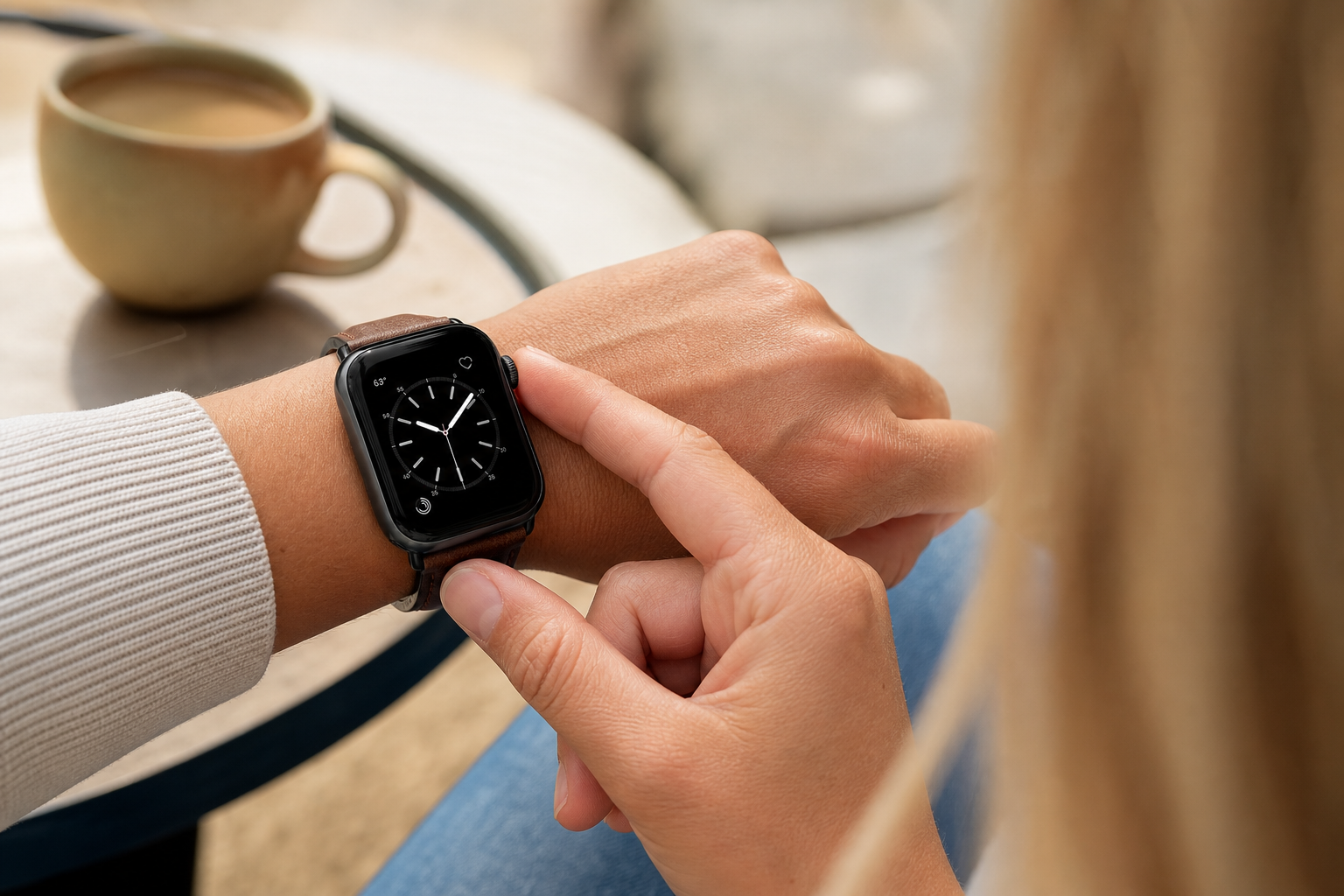
Apple Watch bands and accessories
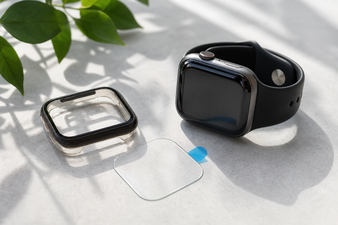
A snug band helps keep the watch steady during a reading. If your current band sits too loose or you want a different look, directcases.com has a range of Apple Watch bands and accessories. Try a flexible Mobigear silicone band that stays in place or a Decoded leather band. A PanzerGlass screen protector helps protect the display from scratches without covering the sensors.
What do Apple Watch ECG results mean?
An ECG on your watch gives you information about your heart rhythm right away. It’s a basic, single-lead recording. The ECG app can identify certain irregularities accurately, but it can’t replace hospital equipment. After 30 seconds, the app classifies the recording in one of the following ways.
| Result on the display | What it means |
|---|---|
| Sinus rhythm | Your heart was beating in a steady, normal pattern during the recording. No irregularity was detected. |
| Atrial fibrillation (AFib) | The sensor detected an irregular heart rhythm. This may indicate a rhythm disorder that needs medical attention. |
| Low or high heart rate | Your heart rate is below 50 or above 120 beats per minute (above 150 in version 2 of the app). The software can’t reliably analyze the result. |
| Inconclusive | The recording failed. Common reasons include talking, moving too much, or wearing the band too loose. |
| Poor Recording | The recording quality is too low to analyze. Try again. (Version 2 of the app only.) |
A sinus rhythm result means your heart was beating regularly at the time of the recording. That can be reassuring, but it doesn’t tell you about your overall health.
If the watch shows atrial fibrillation, it detected an irregular rhythm. Save the result in the Health app. If you see this result repeatedly or feel unwell, contact your primary care provider promptly.
If your heart rate is below 50 or above 120 beats per minute (above 150 in version 2 of the app), Apple Watch can’t reliably assess the rhythm. That can happen after strenuous exercise or when your resting heart rate is very low.
The electrical heart sensor reads electrical signals and does not measure blood flow. The watch can’t detect a heart attack caused by a blocked blood vessel. If you have chest pain, chest tightness, or sudden shortness of breath, call your local emergency number immediately.
How accurate is the Apple Watch ECG?
How reliable is a result taken from your wrist?
The Apple Watch ECG has been clinically tested and detected atrial fibrillation with high accuracy.
A single-lead ECG is useful for a quick check at home. The app can flag possible concerns, but it doesn’t replace a 12-lead ECG or an evaluation by your healthcare provider.
Common questions about taking an ECG
An ECG takes exactly 30 seconds. The watch records a single-lead electrocardiogram during that time.
Can you share the results with a doctor?
Yes. In the Health app on your iPhone, you can export the result as a PDF. It includes the complete heart rhythm trace and any symptoms you selected after the recording. You can print the PDF or send it to your primary care provider before your appointment.
Does the ECG app work with a case or screen protector?
Yes, as long as the Digital Crown and the glass sensors on the back are completely clear. Skin contact is needed to close the electrical circuit. Cases from brands such as PanzerGlass or Mobigear have cutouts in those areas, so you can leave the case on during a recording.
Why does the recording sometimes fail?
A loose band, a wet or sweaty wrist, or too much movement can interfere with the recording. If it keeps stopping, clean and dry your wrist and watch, tighten the band by one notch, and rest your arm flat on a table. Relax your fingers and avoid pressing the Digital Crown.
Why can’t I find the app on my watch?
Usually, either you’re using an Apple Watch SE or your software is out of date. SE models don’t have the electrodes the app needs. If you have a compatible watch, update iOS and watchOS. If you still need to install the app, open the Watch app on your iPhone, tap “Heart,” then tap “Install” next to ECG.
Apple Watch Series 4 and later and all Ultra models can record an ECG. The SE doesn’t support it. Check that watchOS is up to date before taking your first reading. At directcases.com, you’ll find a comfortable Apple Watch band from Decoded or Mobigear for a snug fit during recordings.