Airplane mode can save battery, cut distractions, and help you follow safety rules on a flight. It turns off all cellular connections on your phone, including 4G and 5G. Your phone then stops looking for cell towers.
Airplane mode is useful on the ground too. Turn it on when you want to spend some time offline without unnecessary interruptions.
What is airplane mode?
What happens to your phone when you tap the airplane icon?
Airplane mode turns off your phone’s cellular connections, including 2G, 3G, 4G, and 5G. Wi-Fi and Bluetooth usually turn off too, but you can turn them back on manually. Your phone stops looking for a cellular network and can no longer send or receive cellular data.
Apps that work offline are still available. You can play downloaded music and movies or use offline maps. GPS can still show your location, but your maps won’t load new data. A message you write in airplane mode waits to send until you reconnect to cellular service or Wi-Fi.
Your phone can no longer connect to nearby cell towers, so incoming calls and app messages can’t reach you for the time being. Turning off the cellular connection also stops background transfers over cellular data. It’s a quick way to take control of your phone’s data usage.
How do you turn airplane mode on and off?
Airplane mode has been a standard safety rule on European flights since 2014. The steps to turn it on vary slightly by phone.
-
1
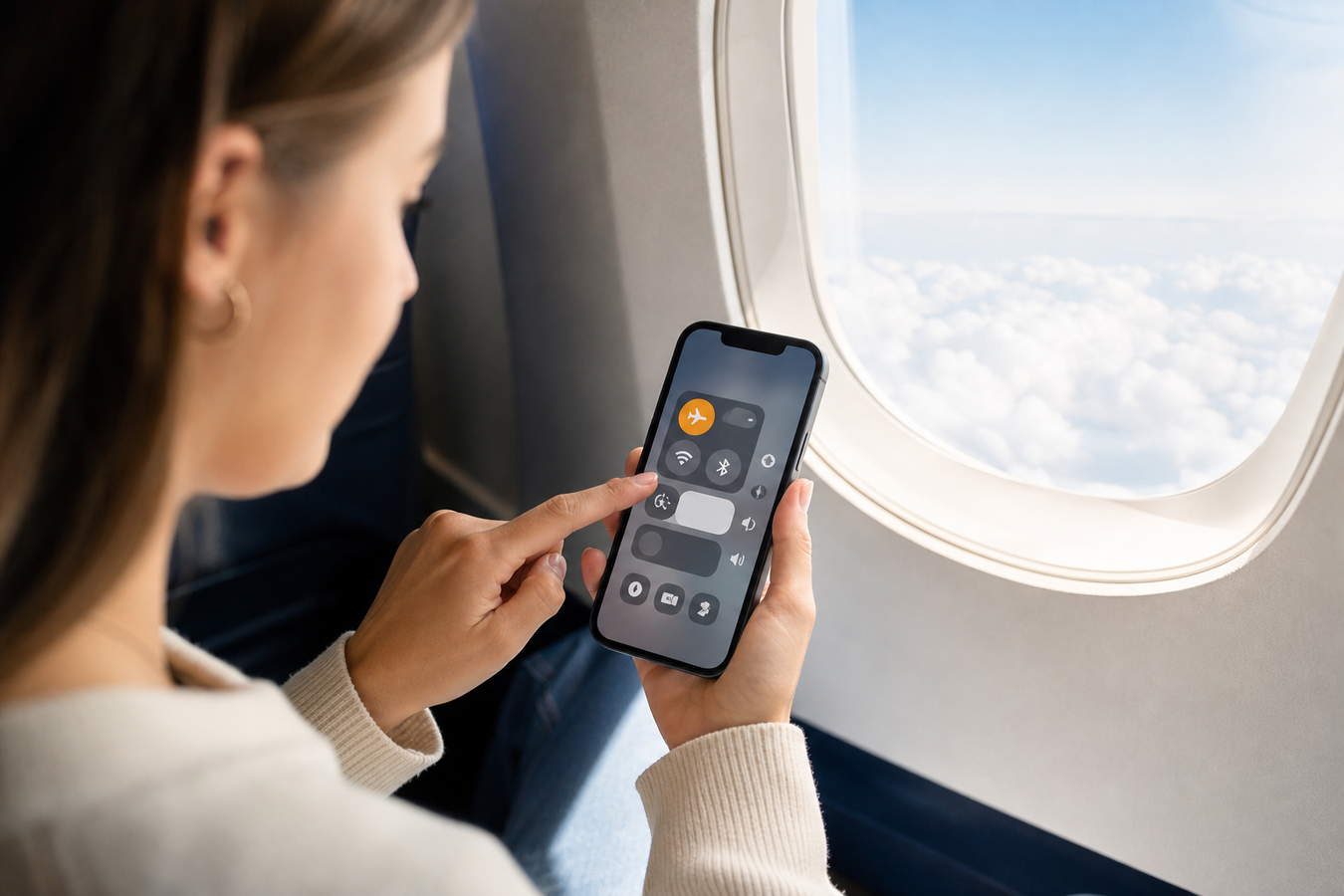
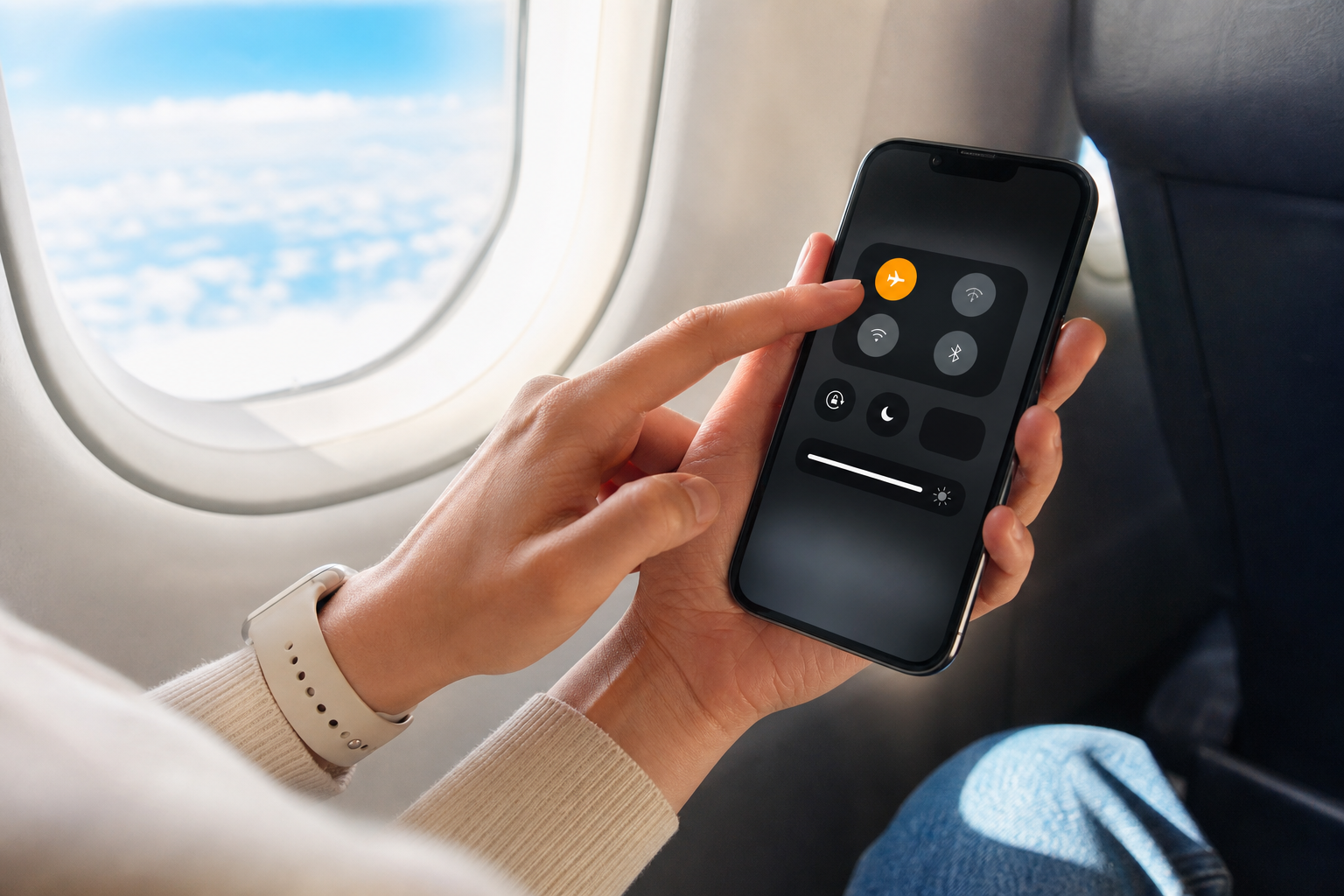
On an iPhone, swipe down from the top-right corner to open Control Center. Tap the airplane icon.
-
2
On Android, swipe down twice from the top of the screen to open Quick Settings, then tap Airplane mode.
-
3
Once airplane mode is on, a small airplane icon appears at the top of the screen in place of the signal bars.
-
4
Before you leave, turn on airplane mode and check that the things you’ll need still work. Try playing your downloaded music or movies and opening your offline maps. If anything is missing, download it over Wi-Fi before you board.
To turn airplane mode off, tap the same icon again. Your phone will start looking for a network right away.
Why do you need to put your phone in airplane mode on a flight?
The seat belt signs light up and a flight attendant makes one last pass down the aisle. That’s when everyone switches their devices to airplane mode.
The safety rule is intended to prevent radio signals from dozens of phones from interfering with onboard equipment. The cockpit’s navigation and communication systems need to operate with as little interference as possible, especially during takeoff and landing. Modern aircraft are designed to withstand radio emissions from phones, and through 2026 there are no known cases of a passenger’s phone interfering with aircraft systems. Airlines still apply the rule as a precaution and because one rule is easier to enforce.
The rule also helps the cabin crew keep track of what’s happening. During the safety briefing and at other important moments, it’s easier to check that everyone is following the same rule. This makes the crew’s job easier during the most critical parts of the flight.
Can you use Wi-Fi and Bluetooth in airplane mode?
Turn on airplane mode first, then turn Wi-Fi and Bluetooth back on manually. Cellular service stays off while those wireless connections are available. Check that Wi-Fi Calling is still off.
This lets you connect to Wi-Fi on the plane. Your wireless earbuds also keep working, so you can watch or listen to things you’ve already downloaded.
For your trip, you can pair airplane mode with a sturdy power bank and a waterproof Mobigear case from directcases.com. That way you can recharge your phone on the go and protect it from an unexpected splash at the pool.
What are the main benefits of airplane mode?
Save battery. When the signal is weak, your phone uses extra power to look for a connection. In airplane mode, it stops looking for a cellular network.
You can avoid heavy data use and roaming charges. Traveling outside the EU? With airplane mode on, your phone won’t use cellular data in the background for things like updates or app refreshes. That can spare you a big bill.
You can focus and work without interruptions. Push notifications, messages, and calls stop coming in. That’s handy when you need to concentrate or just want a break from your phone.
You can turn on airplane mode at night to stop notifications and save battery. Your phone’s internal processes keep running, and the phone is still within reach. If you want to cut down on screen time, switch it off completely or leave it outside the bedroom.
Frequently asked questions
Can you receive calls in airplane mode?
You can’t receive calls over the cellular network in airplane mode. If you turn Wi-Fi back on, you can receive calls through a calling app. Wi-Fi Calling also works if your carrier supports it and you’ve set it up.
What happens if you don’t turn on airplane mode?
Your battery can drain very quickly. At cruising altitude, your phone has no signal and uses as much power as it can to keep searching for cell towers. The cockpit radio can also sometimes pick up a distracting ticking sound from that signal.
Should you put your phone in airplane mode while you sleep?
Airplane mode blocks incoming messages and notifications for a quieter night. Your phone’s alarm still works. If having your phone by the bed tempts you to reach for it, switching it off or leaving it in another room can help you sleep better.
Can you use Wi-Fi and Bluetooth in airplane mode?
Yes. You can manually turn Wi-Fi and Bluetooth back on after enabling airplane mode. The cellular connection stays off, but you can still use wireless earbuds or get online through the airline’s Wi-Fi.
Airplane mode is useful when you’re flying, trying to concentrate, or saving battery. Get ready for your next trip with the latest power banks, chargers, and accessories from directcases.com to keep your phone charged.