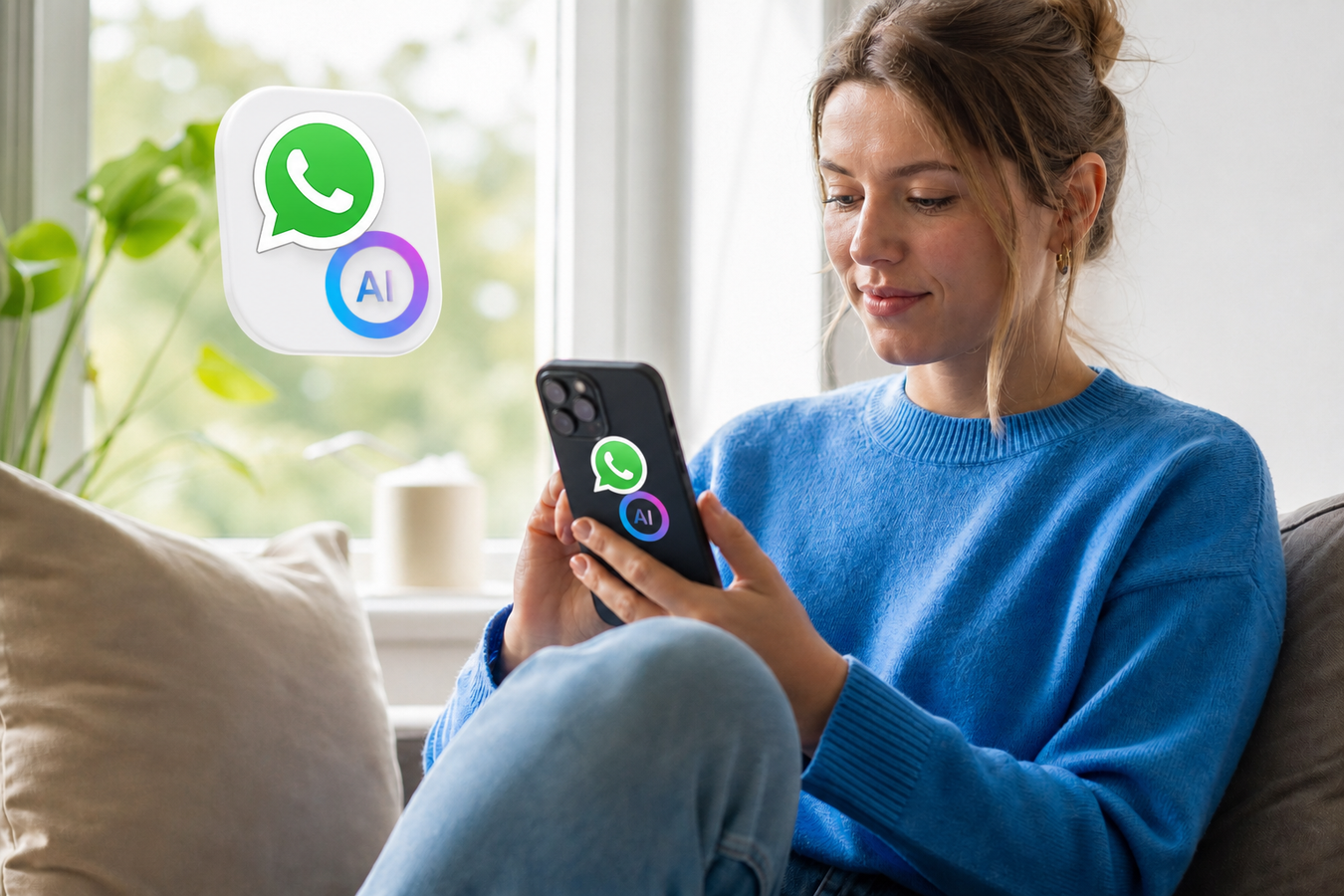
Despite what some circulating messages claim, the new AI in WhatsApp doesn’t secretly read your private conversations. The built-in chatbot, recognizable by its blue ring, answers questions and generates images right in the app. Your private chats remain encrypted.
With Advanced Chat Privacy, you can block AI features in an individual or group chat. The setting applies only to the chat where you turn it on.

What is the blue and purple icon in WhatsApp?
Did an unfamiliar circle suddenly appear on your screen, making you wonder if your phone has a virus? It’s an official WhatsApp feature. The blue and purple ring, which some people call a flower, opens Meta AI, WhatsApp’s new built-in virtual assistant. Tap the ring to open a chat and send the AI a question or request.
Meta AI is made by Meta and has been available in WhatsApp across Europe since 2025. The icon isn’t spam, a separate download, or a sign that someone has accessed your phone. If you don’t see it, the feature may not be available for your account or version of WhatsApp yet.
The icon doesn’t appear for everyone at the same time. Since the AI is built into the app, you can ask a quick question or generate an image without opening a website. Just tap the icon in your chat list.
The button doesn’t automatically enable Meta AI in all your chats. You use it when you type a question, share something, or address the chatbot in a supported group chat. Meta AI has no direct access to your camera, microphone, or photo library. It only sees media you choose to share in the AI chat.
Meta AI can help with everyday tasks. You can ask it to translate a difficult passage, suggest ideas for a day out, or look up facts during a conversation about new phone accessories. There’s no need to switch apps.
Like ChatGPT, Meta AI can give you a quick answer, but it can get things wrong. Double-check answers about health, money, or current prices. A quick check can save you trouble later.

How do you use Meta AI?
People in Europe send a lot of messages through chat apps every day. Meta AI can help you handle some of that in WhatsApp. Here’s how:
In a group chat, type @MetaAI in the message field, followed by your question or request.
For a question of your own, open the Meta AI chat using the blue and purple icon. Try asking, “Translate this message into simple English” or “Make a short grocery list from this text.”
Give the AI enough context. For writing tasks, specify the tone and length to cut down on revisions. Always verify important facts, especially about money, health, or rules.
Ask the assistant to summarize a long discussion about phone mounts, or generate a funny image to share with the group.
You can also share an image for the AI to edit. Keep passwords, medical information, ID documents, and other personal details out of your request.
The chatbot has no direct access to your phone’s hardware. It can see a photo or video when you share it in the AI chat. Your camera, microphone, and photo library stay private.
Can WhatsApp AI see my messages?
A worried relative forwards a chain message claiming the new chatbot secretly reads every private conversation. Your personal WhatsApp chats aren’t automatically visible to Meta AI.
Personal messages in WhatsApp still use end-to-end encryption, which keeps them private. Meta AI processes information when you address the assistant or send it text or media. If you’re talking to a friend about which phone cases to order, the chatbot isn’t reading along. The warnings circulating online misunderstand how the feature works.
Pay attention to what you choose to share. If you tag @MetaAI in a group chat, paste a message into the AI chat, or attach a photo, Meta AI can process that content to answer you. It doesn’t have direct access to your camera, microphone, storage, or photo library. Keep passwords, medical details, and other personal information out of AI chats.
Can I remove AI from WhatsApp?
WhatsApp doesn’t let you remove the Meta AI button or the feature entirely. The assistant is built into the app. You can replace a screen protector, but the blue ring will still be there.
If you find the assistant distracting or want more privacy, you can block AI features in specific conversations. Use the setting called Advanced Chat Privacy to control where the AI can be used.
The setting blocks Meta AI in that chat. In a family group, for example, it prevents someone from using @MetaAI to summarize a message. It also restricts automatic media saving and chat exports. Use it for groups or conversations where you share private information.
How to turn on Advanced Chat Privacy on iPhone and Android
Menus may vary by WhatsApp version, account, and device. On both iPhone and Android, you turn on Advanced Chat Privacy separately for each conversation. If you use WhatsApp often, you can also look for a compatible charger for your iPhone or Android phone.
Use this setting for a family, school, or work chat where you don’t want people using AI. Once it’s on, no one in the chat can use @MetaAI. Your regular messages remain end-to-end encrypted, and the setting gives you extra control in that conversation.
-
1
Open WhatsApp and go to the individual or group chat where you want to block Meta AI.
-
2
Tap the contact or group name at the top of the screen to open the chat details. This step is the same on iPhone and Android.
-
3
Scroll down and tap Advanced Chat Privacy.
-
4
Turn on the setting. Participants can no longer use AI features in this chat.
This setting applies only to the chat you open. Repeat the steps for any other individual or group chats where you want to block Meta AI. The feature also restricts automatic media saving and chat exports.
Frequently asked questions
What is the AI feature in WhatsApp?
Meta AI is Meta’s chatbot in WhatsApp. Look for the blue and purple ring. You can use it to ask questions, work with text, or generate images.
Does Meta AI read my private messages?
No. Misleading chain messages claim WhatsApp now reads all your chats and photos, but personal chats remain end-to-end encrypted. Meta AI processes what you choose to share or ask through @MetaAI.
Is it safe to chat with Meta AI?
Keep passwords, medical details, and other personal information out of the chat. AI can make mistakes, so verify any facts you’re relying on.
Can Meta AI access my camera or photo library?
No. Meta AI has no direct access to your phone’s camera, microphone, storage, or photo library. If you share a photo in an AI chat, the chatbot can process it. Avoid sending ID documents, client records, or bank details.
How do I turn AI on or off in WhatsApp?
Tap the blue ring if you see it. Use Advanced Chat Privacy to block AI features in a conversation. WhatsApp doesn’t offer a way to remove Meta AI entirely.
On iPhone or Android, open the individual or group chat, tap its name at the top, and scroll down to Advanced Chat Privacy. Turn it on to prevent anyone from tagging Meta AI in the conversation. The choice applies only to that chat, so check each important group separately.