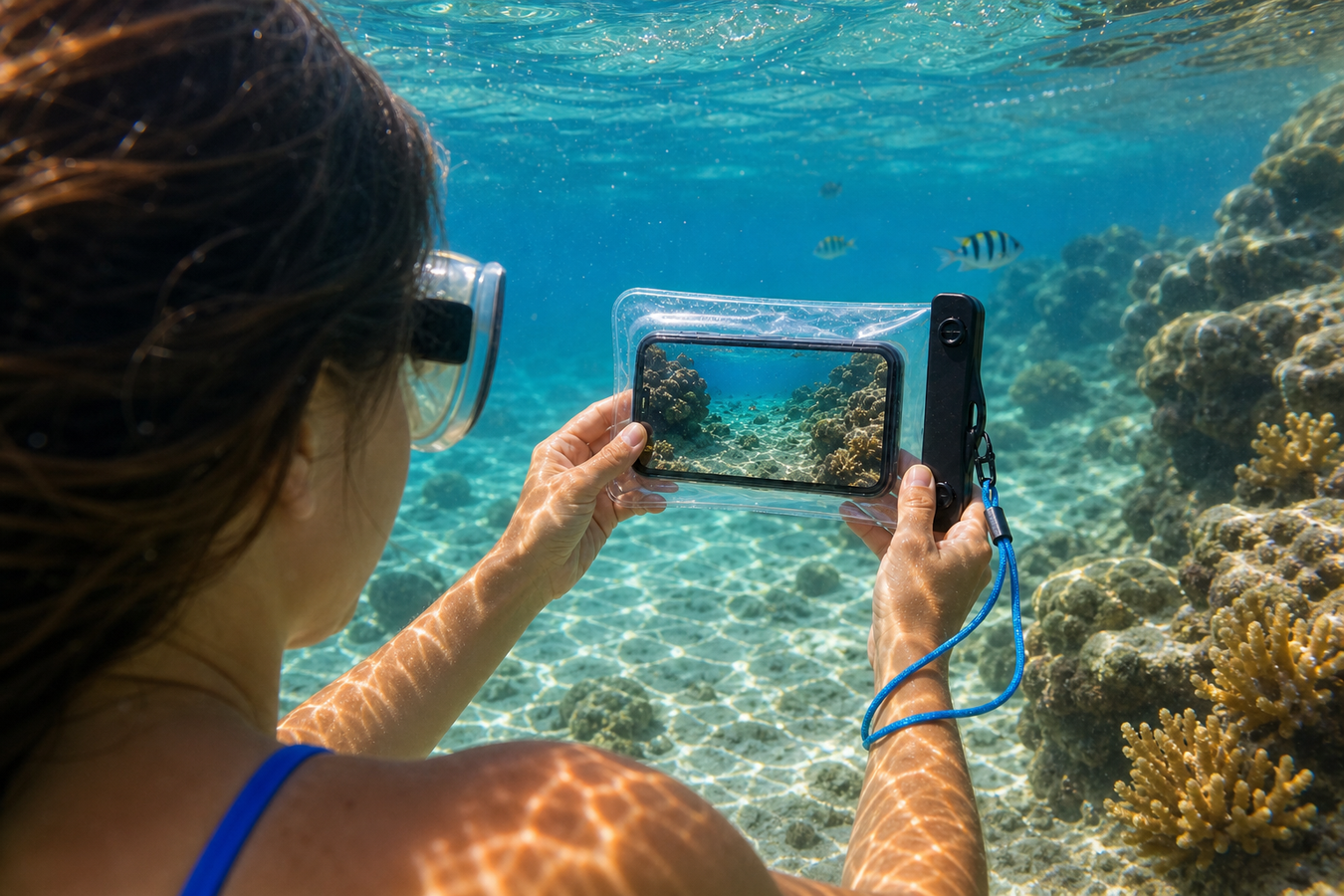
Underwater photography with your phone raises a practical question: how reliable are waterproof pouches and cases? Before you use one, check the manufacturer's rated depth and time limits for your case.
A grain of sand along the edge or unexpected condensation can cause moisture problems. Test the case without your mobile phone first. Dry kitchen paper shows whether water got in during the test. A wrist strap and other accessories can also help you keep hold of your mobile phone in the water.
How reliable are waterproof phone cases and pouches?
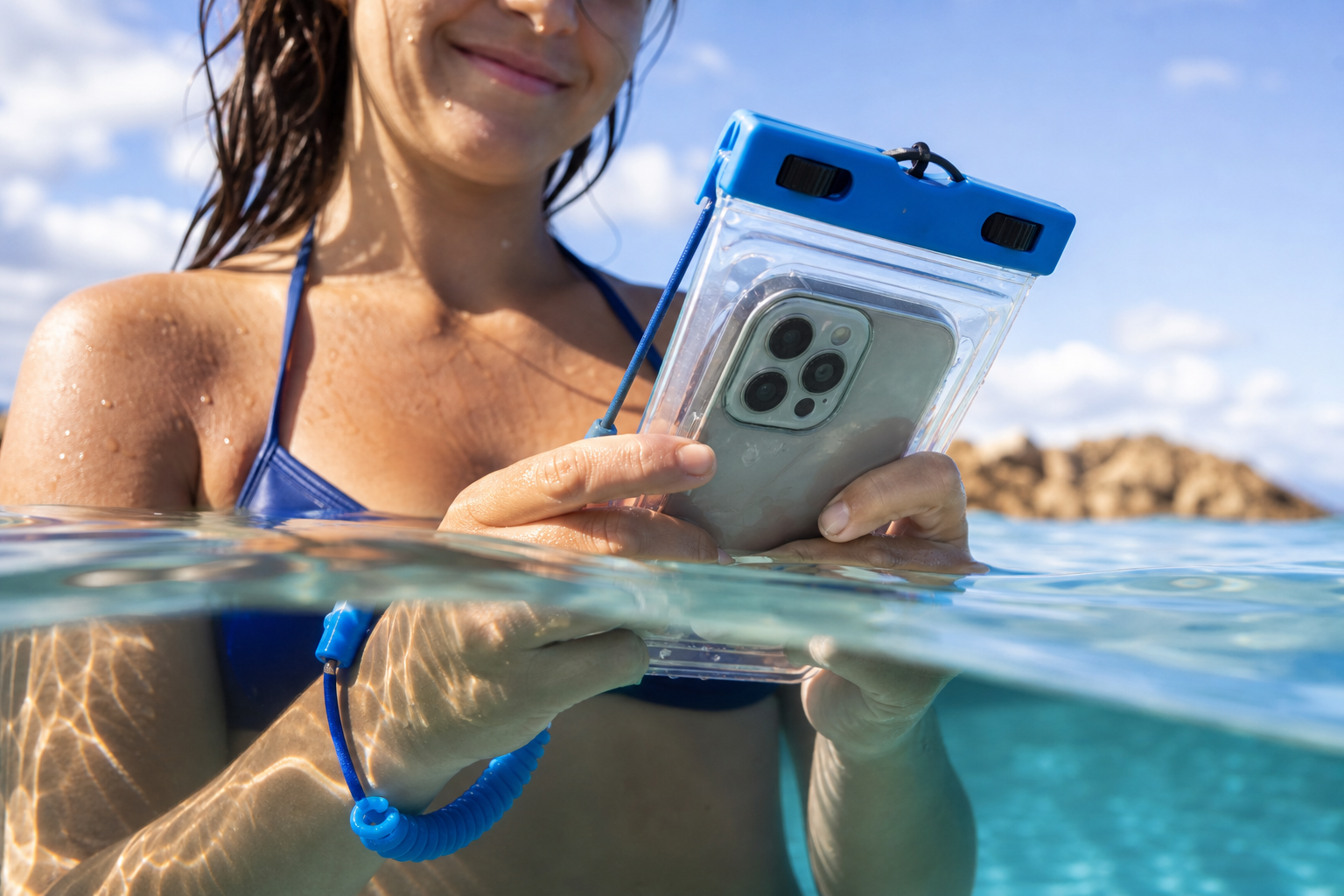
Can a thin plastic case protect an expensive smartphone? Manufacturers often advertise an IPX8 rating. An IP rating describes water resistance: IPX8 and IP68 cover continuous immersion within the depth and time limits set by the manufacturer. Check that the pouch fits your mobile phone and whether it can accommodate a slim phone case. These ratings are tested under laboratory conditions, with the case immersed in still water. At sea, waves, currents and changing water pressure put more strain on the seal.
The plastic in a waterproof phone case rarely tears or fails on its own. In practice, a leak usually starts with a small mistake when closing the case. A grain of sand, a speck of dirt or a fold in the closure can let water seep in.
An IPX8- or IP68-rated waterproof phone case can keep your smartphone dry during brief use in shallow water if you stay within the stated depth and time limits. Check and clean the sealing strip carefully before each swim. A poorly closed case can leak regardless of the brand.
A pouch you have tested beforehand can add protection for underwater photography in a swimming pool or while snorkelling. Manufacturers often exclude water damage to your mobile phone from cover, even if the pouch was sold as waterproof.
For deeper or longer dives, avoid a universal pouch. A dedicated smartphone underwater housing is designed for higher water pressure and has performed more reliably in tests, provided you keep its seal clean too.
What causes leaks and how can I prevent them?
A single hair or grain of sand in the seal can be enough to let water seep in. Pay attention to these three things:
Check and clean the edges and closure thoroughly before sealing the case. Wipe away sand, sunscreen and dust. Sand and dirt in the closure are common causes of leaks, even if the case is intact. Check the edges for small cracks, white stress marks or wear. If in doubt, leave your mobile phone out of the case. If the case has a snap or zip seal, check that each closure is aligned and fully shut. A double seal works only when both edges are clean and meet properly.
Watch for condensation. Keep your smartphone from heating up in the sun before you enter cold water. The temperature difference can cause droplets inside the case that are easily mistaken for a leak. You can put a silica gel packet next to your mobile phone to absorb moisture. Let the case dry completely before you put it away, including after use in salt water or chlorinated water. Rinse the closed case with clean water, dry the outside and then open it. This keeps salt crystals and chlorine residue away from the seal.
Attach a floating wrist strap to your waterproof phone case or underwater housing. Buoyancy from the case or strap helps keep your mobile phone from sinking if it slips out of your hands while you are taking underwater photos. Choose a strap that can support the weight of your smartphone and case. An ordinary cord will not keep them afloat.
How deep can a waterproof case protect my mobile phone?
When you dive to the bottom of a pool to take a photo, the pressure on the plastic at two metres is considerably higher than at the surface. Some waterproof phone cases cannot handle that pressure. A splash-resistant case such as IPX4 can handle rain. For underwater photography, choose an IPX8- or IP68-rated case and stay within the manufacturer's depth and time limits.
Rating |
Protection |
Depth and time |
Best for |
|---|---|---|---|
IPX4 |
Splash resistant |
No immersion |
Rain and splashes |
IPX7 |
Waterproof during brief immersion |
1 metre (up to 30 minutes) |
A brief drop into water |
IPX8 / IP68 |
Tested for immersion under laboratory conditions at a depth and duration set by the manufacturer |
As specified by the manufacturer |
Immersion within the stated limits |
Touchscreen controls become less reliable as you go deeper. Water pressure on the case and screen makes taps and swipes harder to register. Have the camera app ready before you go underwater.
Taking your mobile phone swimming or snorkelling? Check that the manufacturer recommends the case for that activity and confirm the maximum depth and time limits for your model.
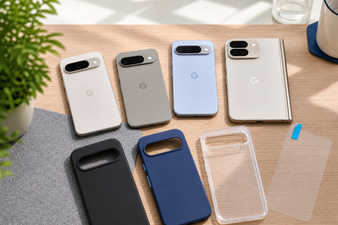
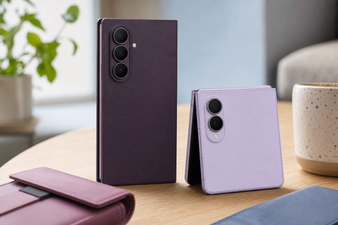
Popular waterproof phone cases
How do I check my waterproof case for leaks?
Before you take your smartphone into the water, test the waterproof case thoroughly with a piece of kitchen paper. Repeat the test after prolonged storage, heavy use or a holiday with frequent exposure to salt water and chlorine.
Check the material: Look closely at the edges, seams and plastic for small tears.
Put paper inside: Place a dry piece of kitchen paper or a tissue in the pouch and close it exactly as instructed on the packaging.
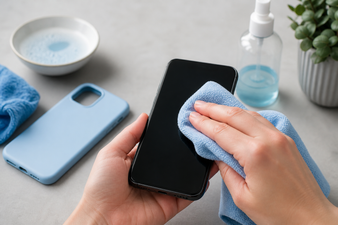
Inspect the closure: Check for hair, sand, dust or folds in the closure. Clean the edges with a soft cloth before sealing the case.
Submerge the case: Hold it fully underwater in a bucket or sink for 30 minutes. If needed, place a heavy object on it to keep it from floating to the surface.
Move the case gently back and forth a few times during the test. This tests the seal with some movement instead of leaving the pouch resting on the bottom throughout.
Check the result: Dry the outside thoroughly, open the closure and feel the paper. Check that it is completely dry. If it feels even slightly damp, do not use the case.
How do I take underwater photos with my phone?
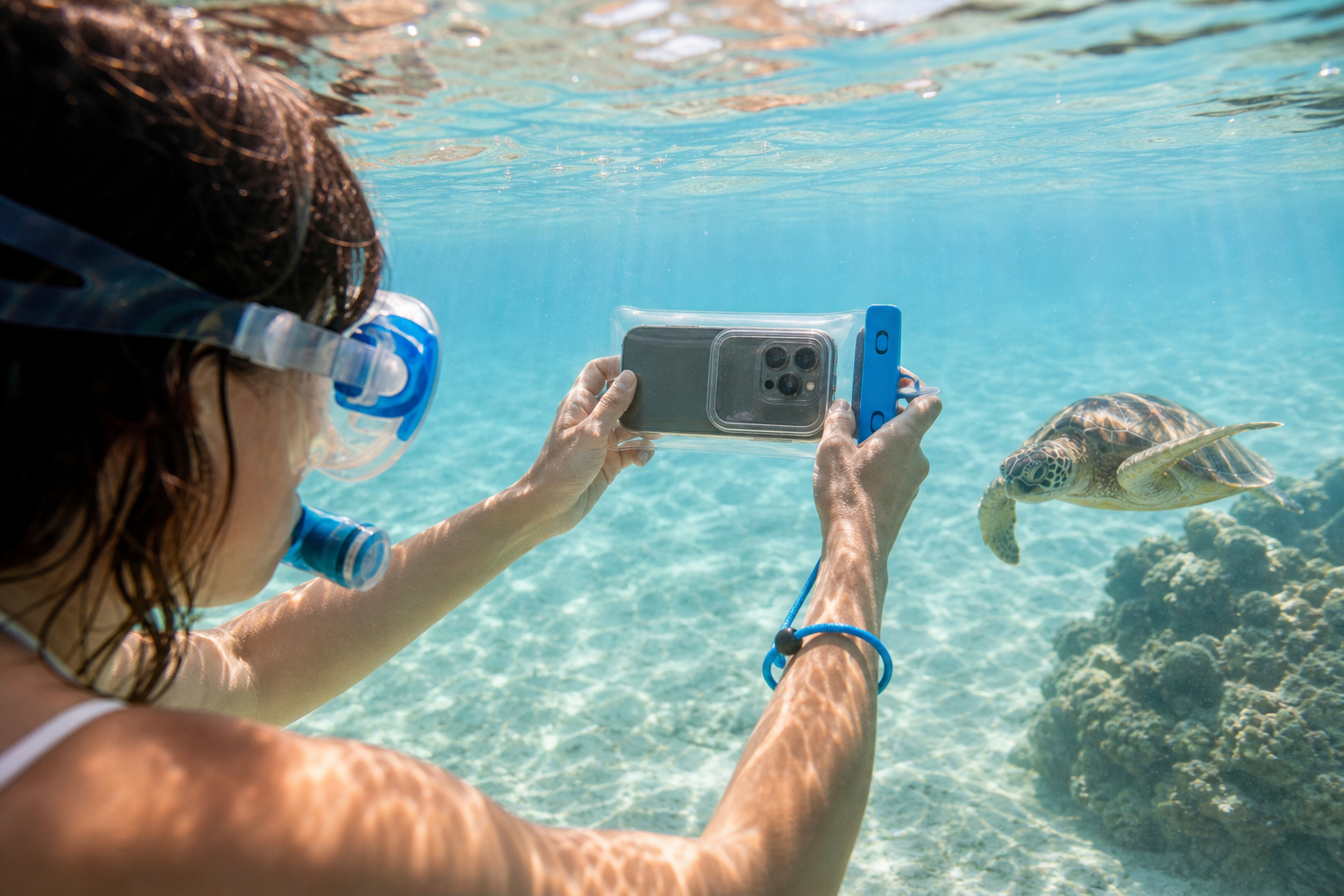
Once your smartphone is submerged, its touchscreen often responds poorly or fails to register swipes altogether. Water pressure and electrical conductivity affect how a capacitive screen responds. Plan to use controls you can operate without the touchscreen. Fingerprint unlocking also often fails through the plastic film.
-
1
Set up your phone on dry land
Open the camera app while you are still on dry land. Before taking photos, set your screen to stay on for longer. That keeps the screen from going dark just as you line up an underwater shot. Do this before sealing your smartphone in the waterproof phone case, as it is usually harder to use the menus afterwards.
-
2
Choose your camera settings in advance
Decide on shore whether you want to record video or take photos. Use burst mode to capture fast-moving subjects. Switching modes quickly underwater is difficult when the touchscreen is unreliable. Lock focus and exposure if your camera app allows it. This keeps your iPhone or Samsung Galaxy from repeatedly focusing on the plastic window.
-
3
Take the photo with the volume button
Use a physical button if the on-screen shutter button does not respond. On dry land, with the case fitted, check whether the volume button can take a photo or start a video. Some camera apps respond differently to a short or long press.
-
4
Hold your phone steady
Press the button gently and hold still for a moment after taking the photo. Water is always moving, and a plastic camera window can make motion blur more noticeable.
How do I take sharp photos through a plastic window?
Why do underwater photos sometimes look blurry even with the right settings? The plastic on a waterproof phone case can slightly soften the image. Choose a waterproof pouch with a clear camera window that leaves the lens unobstructed. For sharper photos:
The camera window material matters. A scratched or very thin pouch can blur the image.
Wipe the window with a soft, lint-free cloth just before you go into the water. Fingerprints, dried salt and sunscreen can leave a haze you only notice in the photos. Check that the camera sits directly behind the clear section. If the pouch shifts, it can partly cover a lens.
Shoot with the sun behind you. Light and colour fade quickly underwater. With the sun behind you, you get better lighting and avoid distracting glare from the plastic.
Get close to your subject. Particles and cloudy water can spoil a photo. Stay about 30 to 50 centimetres away to reduce the effect of the water between your smartphone and the subject.
Avoid digital zoom where possible. Move closer and use a lens with an unobstructed view through the case. When photographing someone swimming in a pool, this usually captures more detail than cropping the shot heavily later.
Watch for condensation inside the case. If your mobile phone has been in direct sunlight and then goes straight into cold water, moisture can collect on the inside of the window. Keep your smartphone out of direct sun beforehand and dry the inside of the case completely. A small silica gel packet can absorb some moisture, although it may not prevent condensation after a large temperature change.
Frequently asked questions
What is the best way to take photos underwater?
Most underwater photos taken with a smartphone are shot in shallow water, at depths of 0.5 to 2 metres, where you can make good use of natural light. Shoot in clear, shallow water with plenty of sunlight. If a fish or swimmer moves past quickly, use burst mode so you can pick the sharpest shot afterwards.
How do I film underwater with my phone?
Start recording before you go underwater or use your mobile phone's volume button to start and stop recording underwater. Water pressure can make the touchscreen stop responding or respond poorly once the pouch is submerged. The physical buttons on the side of your mobile phone let you control the recording.
What should I look for in an underwater camera or waterproof case?
Check the IP rating of the waterproof phone case and the manufacturer's maximum depth and time limits. Make sure your mobile phone fits properly and the camera window leaves the lens clear.
A waterproof pouch makes it easier to take photos underwater. Test it with a dry piece of paper each time before you use it, and rinse off any salt water or chlorinated water afterwards. Browse the range of waterproof cases at directcases.com to prepare your smartphone for your next beach holiday.