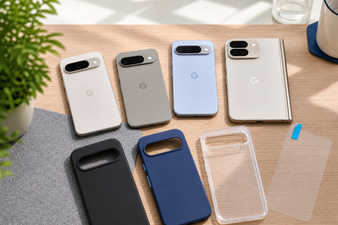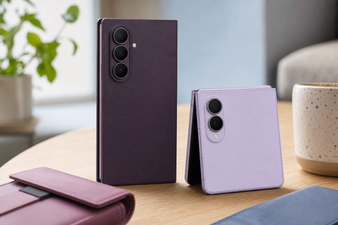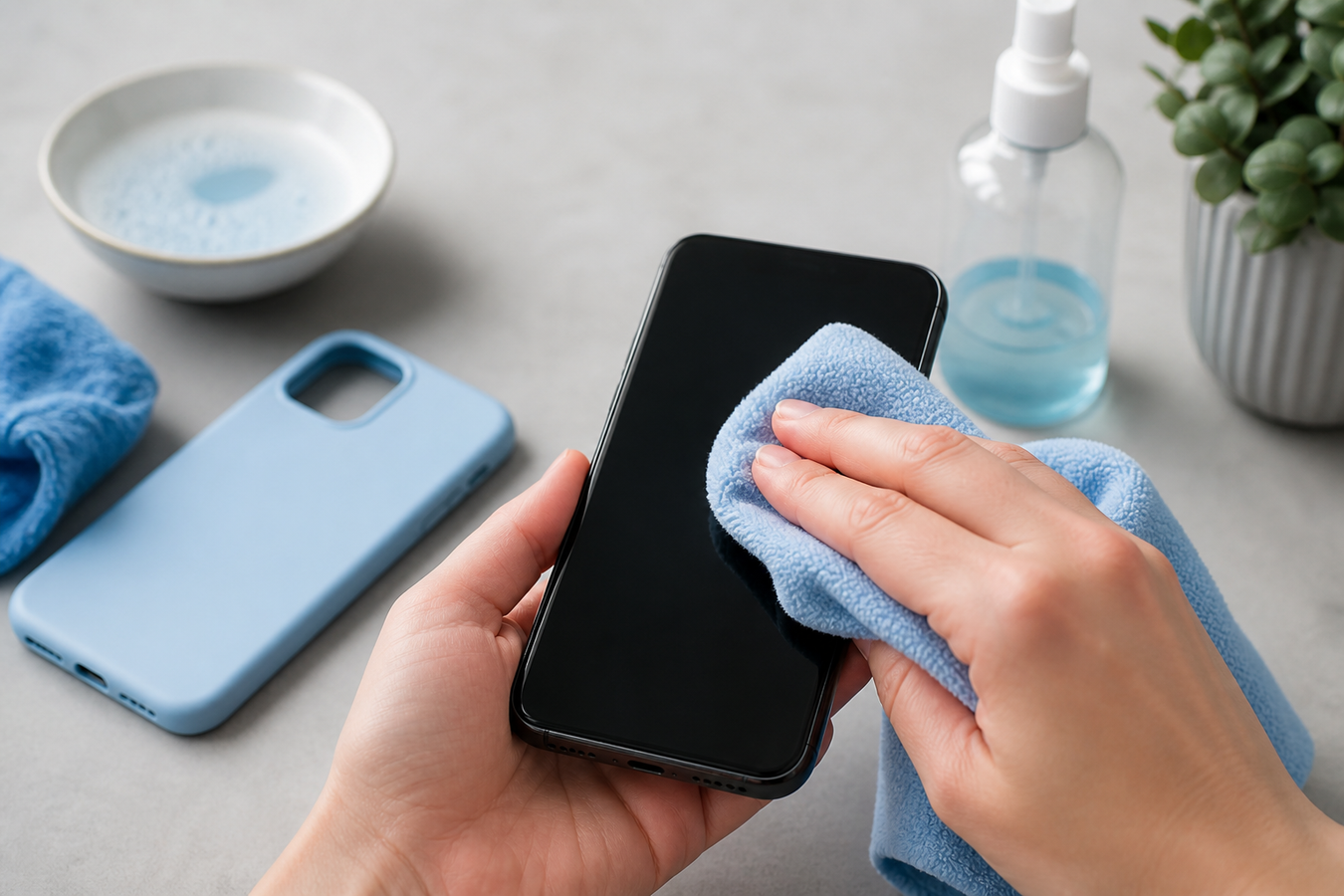
Here's how to clean your phone and phone case hygienically and safely: switch your device off, take the case off and wipe the phone with a microfiber cloth. Dampen the cloth lightly with lukewarm water and a few drops of mild dish soap. Wash the case separately with water, soap and a soft toothbrush, and make sure everything is completely dry before you put the case back on your phone.
You touch your screen hundreds of times a day, so dirt and grease build up fast. This method lets you clean your phone and phone case thoroughly without damaging the screen or the electronics. You keep moisture out of the ports and keep them free of dust.
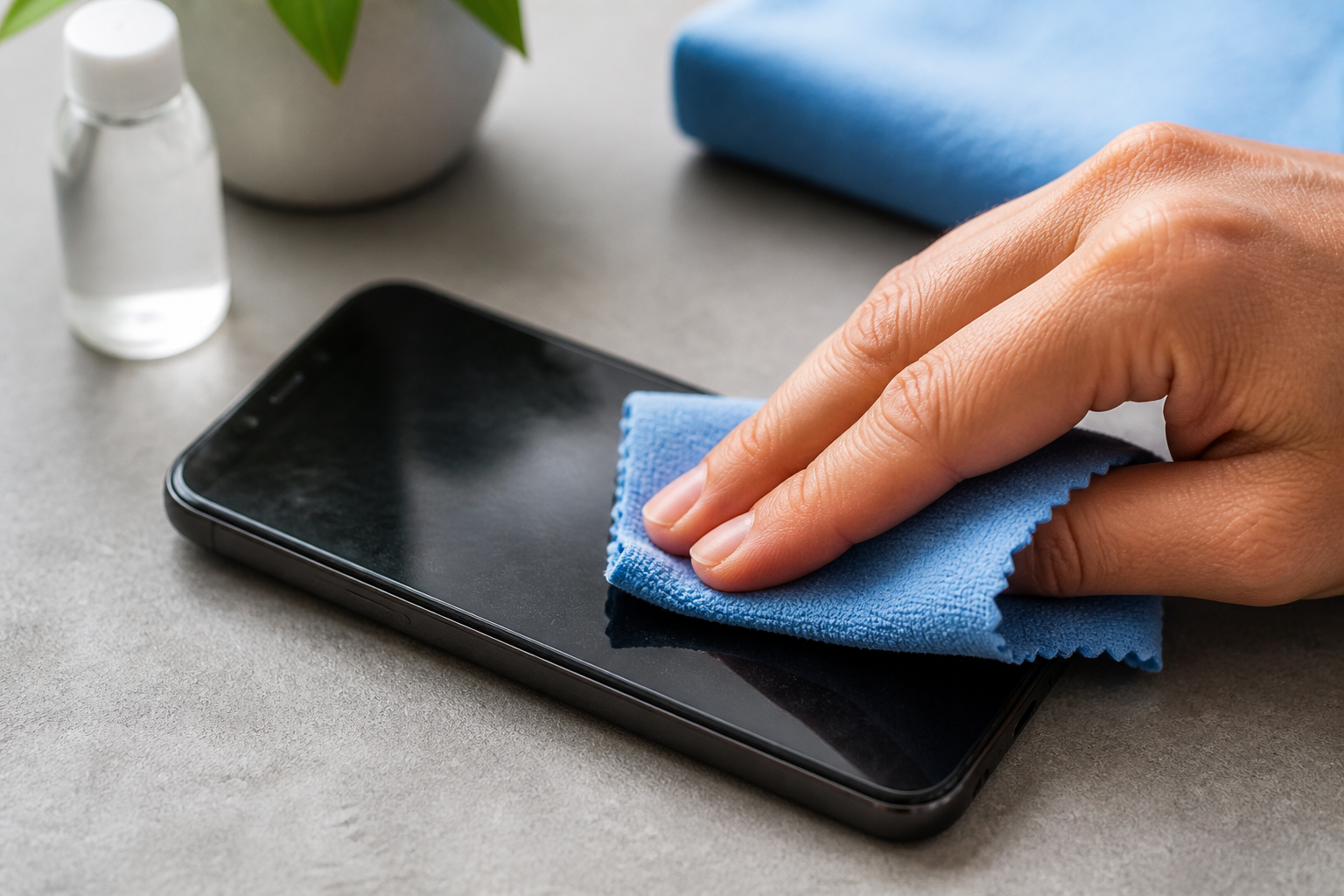
Why you should clean your phone regularly
Smartphones pick up huge amounts of bacteria and viruses every day from our hands and surroundings. There are often more bacteria on your phone than you'd think, because you touch it all day and put it down everywhere. Every time you hold your smartphone to your face or type a message over lunch, you bring these microorganisms into direct contact with your skin and mouth.
That means a dirty phone can pass germs on to you and the people around you. It happens when you hand your phone to a colleague to show them a photo, for example, or when you put it down on a shared desk. Bacteria move from the surface to your fingers in no time.
So cleaning your phone should be part of your regular routine. Doing it at least once a week lowers the chance of bacteria and viruses building up and spreading, and extends the life of the device. Dust and grease don't get the chance to collect along the edges, and your screen stays clear so it keeps responding properly to your fingers.
What to use and what to avoid
Get the right supplies ready first. Using the wrong product can damage your device for good.
Cleaning product |
Advice |
Why? |
|---|---|---|
Clean microfiber cloth |
Do |
The soft texture picks up dirt without scratching your screen's protective coating. |
Paper towels (kitchen roll) |
Don't |
Wood fibres in the paper cause invisible micro-scratches on your screen straight away. |
Lukewarm water with a few drops of mild dish soap |
Do |
This is the safest option for the housing and breaks down grease effectively. |
Bleach, glass cleaner or all-purpose cleaner |
Don't |
These harsh chemicals permanently damage the screen's oleophobic (grease-repellent) coating. |
Canned compressed air |
Don't |
The high pressure actually blows dust and condensation deeper into the delicate electronics. |
Always go for a microfiber cloth with lukewarm water and a few drops of mild dish soap when you want to get grease off your screen safely. Avoid harsh glass cleaners and compressed air, as they damage the screen coating and the electronics.
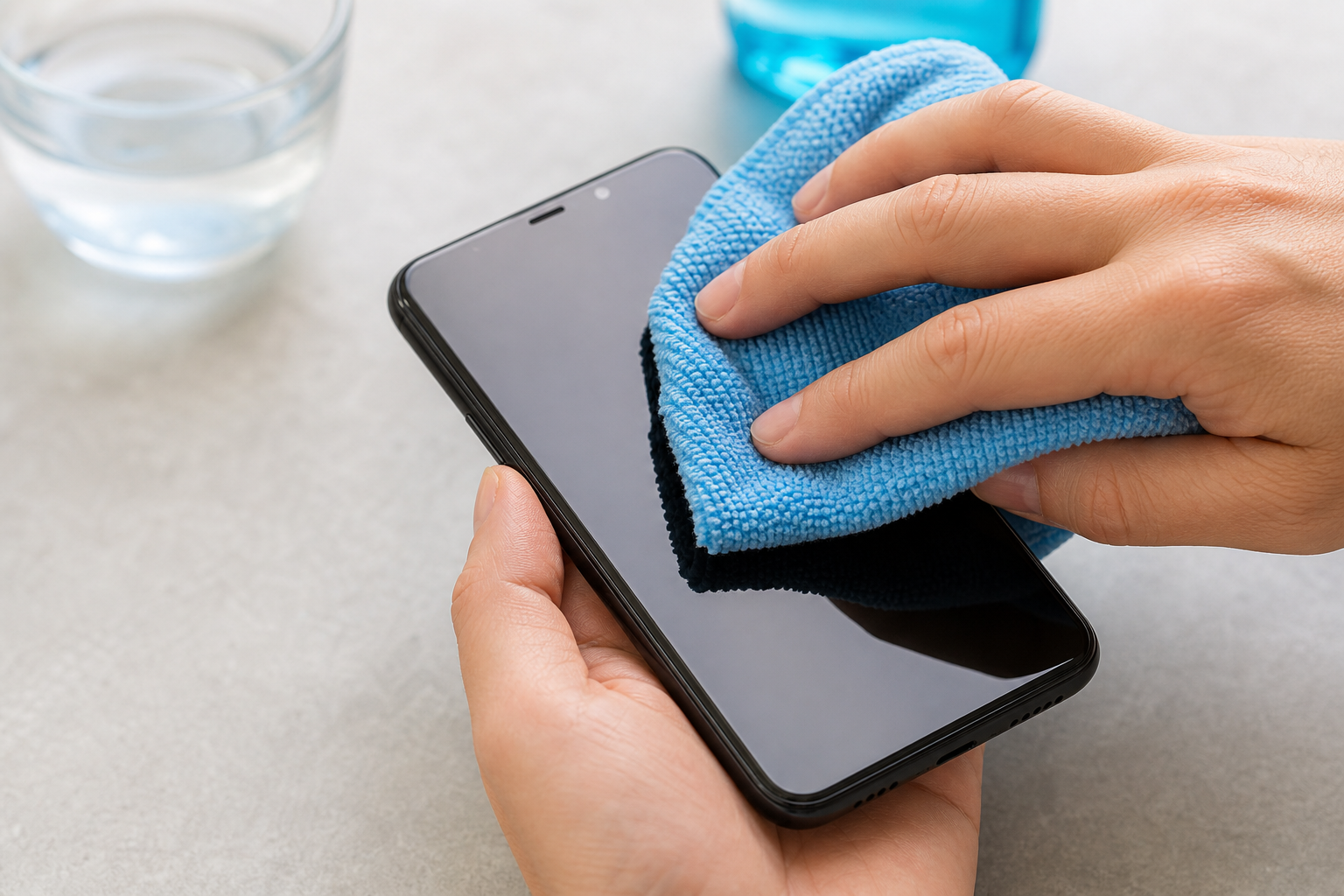
Step by step: how to properly clean your phone without streaks
With the right supplies to hand, you can clean your smartphone without risking water damage. Follow these steps carefully.
-
1
Always switch the device off completely first and remove the case.
This prevents a dangerous short circuit if a drop of moisture does slip into an opening by accident. Without the case, you can also reach the edges of the device much more easily.
-
2
Lightly dampen a microfiber cloth with the soapy water.
Never spray anything directly onto your phone, because liquid always finds the path of least resistance inside. Wring the cloth out firmly until it only feels slightly damp.
-
3
Gently wipe the screen and the back.
Use small, circular motions without pressing hard. Light pressure stops dirt from scraping across the screen and causing scratches.
-
4
Let your smartphone air-dry completely before switching it back on.
Check that all the edges are dry before you power it back on or put the case back on.
Getting dust out of ports and openings
Not a single drop of moisture belongs in ports and openings, so always work dry here.
Use a dry wooden or plastic toothpick or a dry cotton bud for the charging port. Scrape very gently along the inside edges to loosen built-up pocket lint. Don't put any pressure on the contact point in the middle.
Gently roll a dry cotton bud along the camera lenses and the edges of the speaker holes. Choose a tightly wound cotton bud, because loose cotton leaves fibres behind in the holes.
Avoid metal objects such as paper clips or needles. Metal conducts electricity and can permanently damage the gold contacts in the ports. Your device might never charge again as a result.
Hold your phone with the port facing down and tap it gently against your hand to get loose dust out of the speakers and microphone. This way you work without moisture or compressed air, and you don't push dirt further into the housing.
How to clean a phone case: the best method for each material
While your phone is drying, get started on the case. Phone case cleaning calls for a specific method that suits the material.
Case material |
Example brands |
Best cleaning method |
|---|---|---|
Silicone and TPU |
Clean with lukewarm water, mild dish soap and a soft toothbrush for the tricky edges. Rinse well. |
|
Leather cases |
Never submerge it. Only use a lightly damp cloth and, if you like, follow up with a special leather conditioner. |
|
Hard plastic |
Wipe with a damp cloth. You can remove stubborn marks with a mild soap solution and a cloth. |
Go for the water-and-toothbrush method if you have a flexible, synthetic case that can take a knock. Avoid lots of water and use a damp cloth if you've invested in natural, porous materials such as genuine leather.
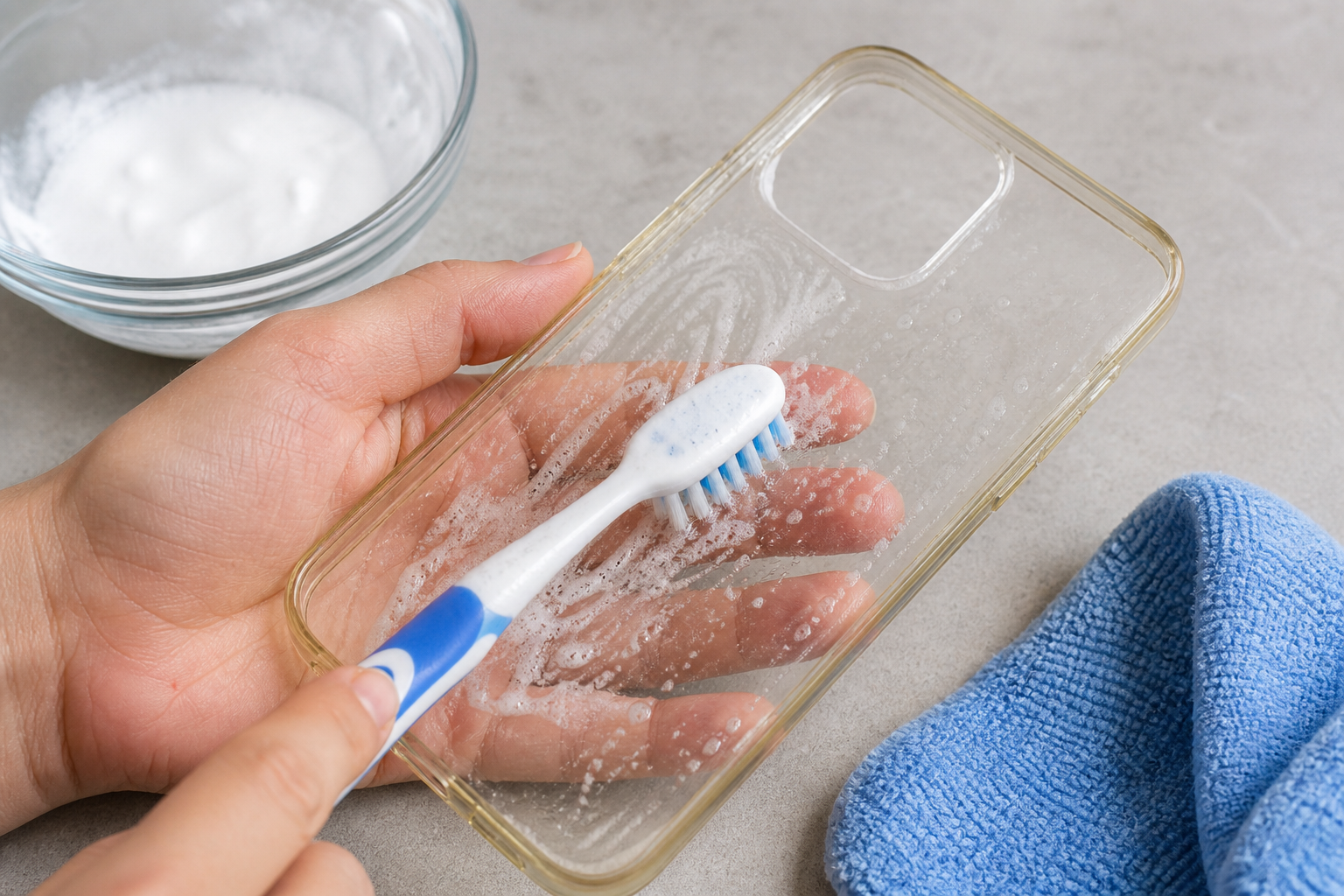
How to clean a clear phone case (and tackle yellowing)
Make a paste with a little baking soda and water. Mix it in a small bowl until it forms a thick paste.
Gently scrub the clear phone case with an old toothbrush. Apply the paste and pay extra attention to the edges where your fingers often rest and sweat builds up.
Rinse thoroughly and dry straight away with a clean cloth. Drying it immediately stops dull limescale marks from tap water being left on the clear material.
Accept that UV yellowing is irreversible on some older polymer cases. Has sunlight chemically changed the material? Then scrubbing unfortunately won't help, and replacing the case is the only sensible step.
FAQs about cleaning your phone and phone case
How do you fix a yellowed clear phone case?
Make a thick paste of baking soda and water and gently scrub the clear phone case with an old toothbrush. Then rinse the case thoroughly and dry it straight away with a clean microfiber cloth. Do bear in mind that UV yellowing is irreversible on older polymer cases; in that case, cleaning unfortunately won't help.
Why should you clean your phone regularly?
Your smartphone picks up bacteria and viruses from your hands every day. There are often more bacteria on your phone than you'd think, because you touch it all day and put it down everywhere. Cleaning your phone hygienically every week lowers the chance of passing bacteria on. Removing dirt also stops delicate ports and buttons from getting blocked in the long run.
Can I clean my screen with glass cleaner?
No. Don't use glass cleaner, all-purpose cleaner or bleach. They damage your screen's grease-repellent coating. Use a lightly damp microfiber cloth with at most a drop of mild dish soap.
Can I use alcohol to disinfect my phone?
Yes, now and then. Apple and Samsung allow a wipe with 70% isopropyl alcohol (rubbing alcohol) on the outside of your phone. Put the alcohol on the cloth, never directly on the device, and keep it away from ports and openings. Then wipe over it with a lightly damp, lint-free cloth. Don't use alcohol too often: according to Samsung, it can affect water resistance over time.
With a microfiber cloth, a little mild dish soap and the right technique, you can keep your smartphone and case free of bacteria and dirt. Following these steps every week prevents unreliable ports and a dull screen. Is your clear case still yellow after all your efforts, or is your current case simply too damaged to stay hygienic? Then browse the wide range of phone cases at directcases.com and pick a new case that fits your phone.