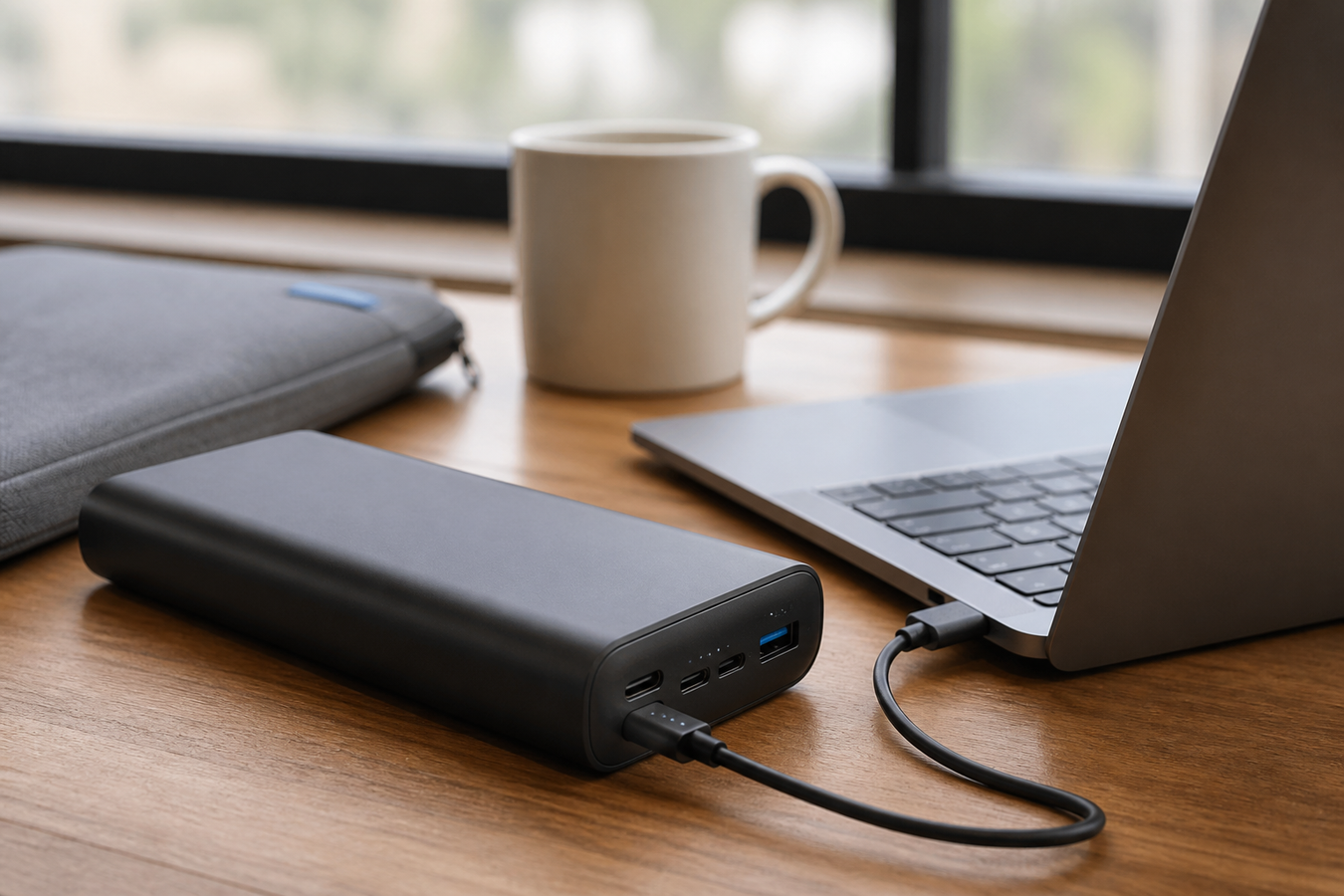
You're in the middle of an important presentation or working on the train, and suddenly that dreaded battery icon starts flashing on your screen. Wondering which laptop power bank you actually need? Below you'll find what to look for in terms of wattage, capacity and cable, so you can keep working on the go.
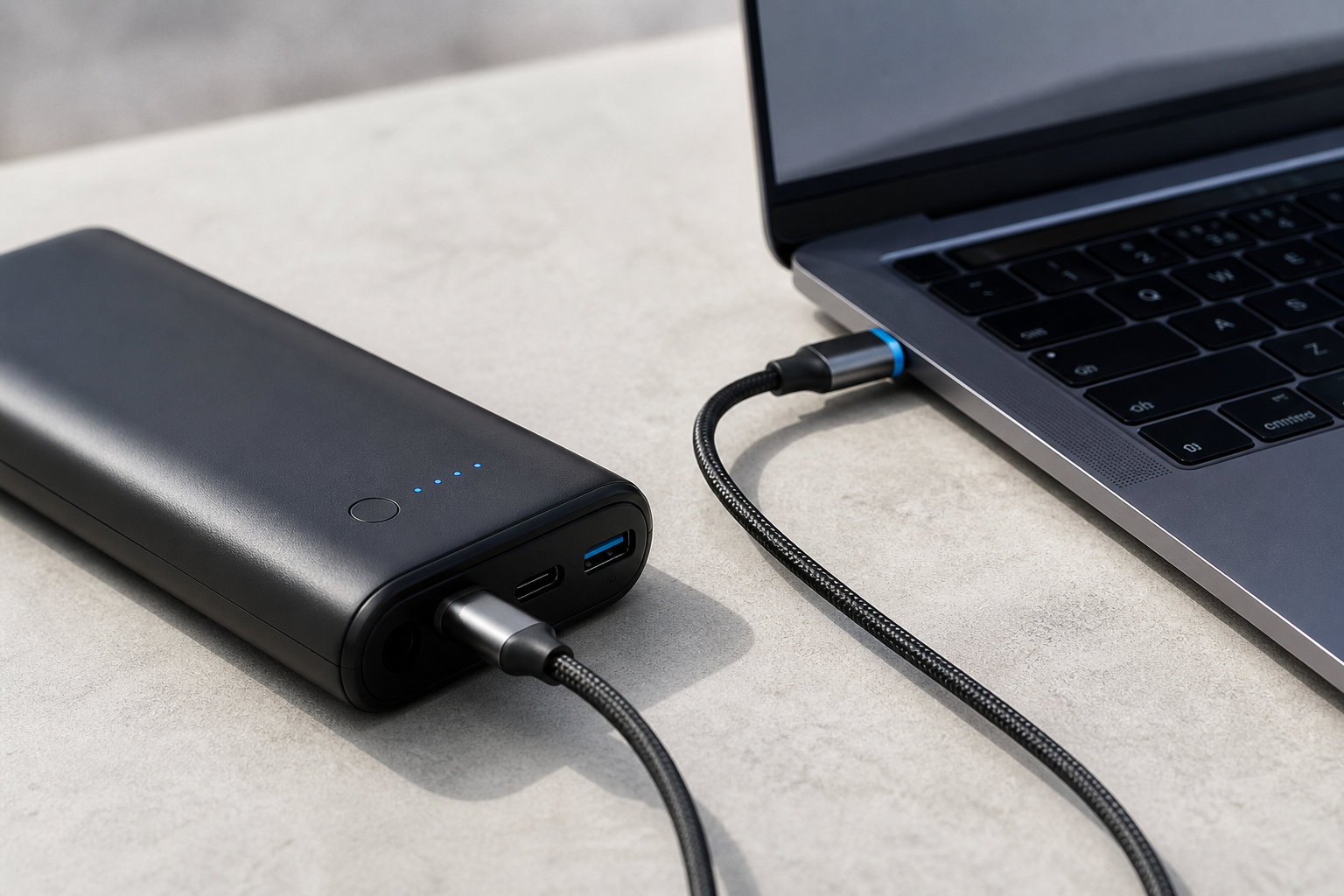
Can you charge a laptop with a power bank?
Yes, absolutely, as long as both the laptop and the power bank support the USB-C Power Delivery (PD) protocol. Without this technology, the laptop simply refuses the incoming power. Charging a demanding processor and a large display takes a completely different setup than topping up a smartphone battery.
The biggest difference is voltage. A mobile phone charges at 5 volts, or 9 volts when fast charging. A laptop that charges via USB-C usually needs 15 or 20 volts. A power bank can only supply that voltage with USB-C Power Delivery. If the power bank can't deliver it, the laptop and power bank fail to agree during their 'handshake' and charging doesn't start.
That also explains why a standard phone power bank falls short for a demanding laptop. A phone charger typically delivers an output of 10 to 18 watts at most. Plug one into your laptop anyway and the battery will still drain while you work. To charge properly, you need a dedicated power bank for laptops, designed specifically for high-voltage use.
What should a power bank for a laptop have?
Output power (watts): This determines how fast energy is transferred. The power bank's wattage should be at least equal to your device's original mains adapter. If it's lower, the laptop battery will lose charge during heavy use.
Capacity (mAh/Wh): This is the total amount of stored energy. If you work on the go, you need at least 20,000 mAh to take the internal battery from zero to 100 percent once.
Ports and cables: The hardware is useless without the right cable. Only use a high-quality USB-C to USB-C cable with a built-in E-marker chip. This chip communicates with the charger to confirm the cable can safely handle the high wattage without melting.
Safety and certifications: Above 60 watts, a lot of heat is generated. Only choose models with CE marking and active built-in protection against overheating, overvoltage and short circuits to rule out any fire risk.
How many watts does a power bank need to charge a laptop?
| Laptop type | Recommended output | Example |
|---|---|---|
| Lightweight laptops & Chromebooks | 30W to 45W | MacBook Air, basic education laptops |
| Standard business laptops | 60W to 65W | Dell XPS 13, HP EliteBook, Lenovo ThinkPad |
| High-performance & gaming laptops | 100W+ (up to 140W) | MacBook Pro 16-inch, Razer Blade, heavy rendering machines |
If you connect a power bank with too low a wattage, you'll notice problems straight away. Your operating system shows a 'slow charging' warning, or the battery still slowly drains while the charger is plugged in. So always make sure the wattage matches the specs on the underside of your original charger.
How big of a power bank do I need for a laptop?
-
1
Look up your laptop's battery capacity
Manufacturers often list capacity in watt-hours (Wh). To convert this to mAh, multiply the Wh figure by 1,000 and divide by the battery voltage (often around 11.4V to 15V). Even easier: compare the power bank's Wh rating with your laptop's Wh rating.
-
2
Allow for energy loss during charging
No charging process is 100 percent efficient. Energy is lost through heat and voltage conversion. An efficiency of around 70 to 80 percent is normal. So in practice, a 20,000 mAh battery effectively delivers about 15,000 mAh to your device.
-
3
Choose the right minimum capacity
Go for at least 20,000 mAh for one full charge of an average laptop. Working with heavy graphics files, or spending several days on the road without a socket? Then step up to models of 25,000 mAh to 27,000 mAh.
Choosing the best power bank for your laptop
Picking the right charger is all about matching it to the way you work. A model with huge capacity sounds appealing, but it also adds considerable weight and bulk. That makes heavier models less suited to a compact laptop bag.
Choose Cygnett if you're after a reliable all-rounder for everyday use, or if you need the full 100W+ output for demanding video editing software. These models combine solid build quality with enough power output to prevent performance drops during heavy tasks. They'll also charge a business ultrabook or a high-performance laptop.
Skip the heavy 100W+ models if you only use a lightweight Chromebook. You'd be paying for capacity and power your hardware simply can't use.
Popular power banks
Checklist: charging your laptop safely and efficiently
Check whether the USB-C port on your laptop has a lightning bolt or PD logo. Ports without this symbol are often meant for data transfer only (such as a mouse or external hard drive) and won't accept incoming power.
Only use high-quality fast-charging cables that can physically handle the high wattage. A cheap supermarket cable will melt or block the power supply above 60 watts.
Charge the power bank itself with a powerful wall charger to avoid long waits. Charging a 20,000 mAh battery with an old phone plug takes well over 12 hours; with a 65W wall charger it's done in under 2 hours.
Mind the rules when flying: a power bank is only allowed in your carry-on luggage, not in your checked suitcase. Up to 100 Wh (roughly 27,000 mAh), you can usually take it without approval. Between 100 and 160 Wh you need the airline's approval in advance, and above 160 Wh it isn't allowed. Check your airline's website before you travel.
Frequently asked questions about laptop power banks
How do I charge a laptop without a charger?
With a powerful power bank or car charger with PD (Power Delivery). When you don't have the original mains adapter to hand, a power bank works as a full replacement, as long as you use the right USB-C port on your device. Make sure the power bank is fully charged beforehand.
Can I charge my laptop and phone at the same time?
Yes, but the total wattage is then split across the active ports. If you plug a phone into a 65W power bank that's already powering a laptop, the output to the laptop often drops to 45W. That slows fast charging considerably, or stops the most demanding device from charging altogether.
Why won't my laptop charge with my current power bank?
Most likely it lacks PD support or the wattage is too low. Older or basic models only deliver 5 volts, while a laptop charging via USB-C usually needs 15 or 20 volts. Check the specs on the casing of your current power bank; if it doesn't say 'PD' or at least '45W', it isn't up to the job.
With the right combination of wattage, capacity and USB-C Power Delivery, you'll never be stuck with a flat laptop battery again. Browse the full range at directcases.com and find the right laptop power bank for you.