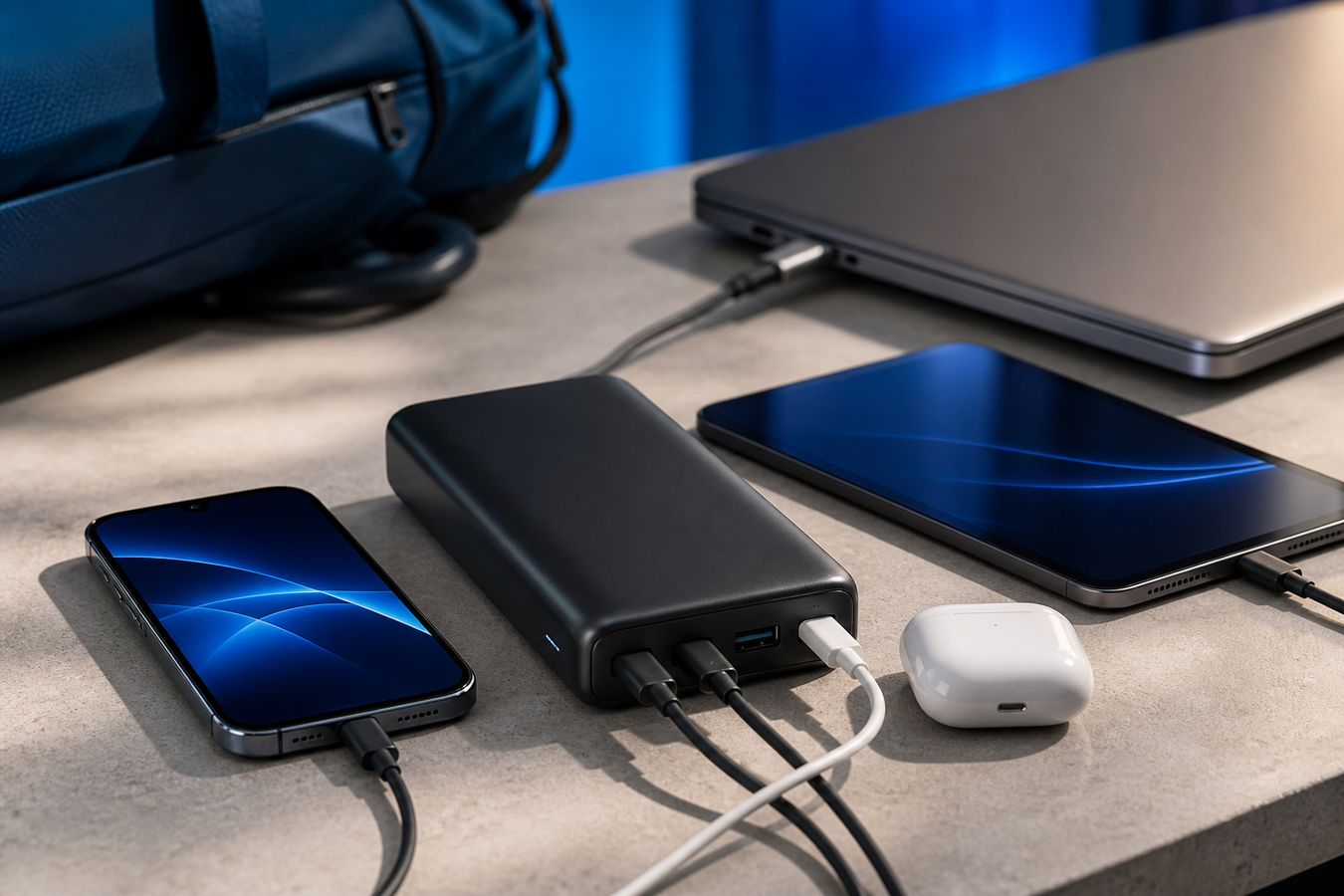
You're about to board the train and notice your battery is on 5%. Panic! A good power bank prevents this, but there's so much choice that it's hard to know what size power bank you need. Manufacturers throw around impressive numbers, fast-charging protocols and vague promises about lifespan. In practice, though, you'll quickly find that the wrong choice means a dead mobile phone halfway through the day, or a brick in your bag you'd rather leave at home. This power bank buying guide shows you exactly which power bank to buy for your situation, whether you want to charge an iPhone or a heavy MacBook.
Battery capacity: how many mAh do you really need?
Always choose the capacity of your power bank based on how long you're actually on the move and how many devices need charging.
Capacity (mAh) |
Ideal for |
Real-world example |
Portability |
|---|---|---|---|
5,000 mAh |
Emergencies |
Partly topping up your smartphone once during a night out. |
Pocket-sized, very light. |
10,000 mAh |
Daily use |
Fully charging your phone once or twice during work or study. |
Compact, fits easily in a coat pocket or small bag. |
20,000 mAh |
Travel & weekends away |
Charging a phone several times, plus a tablet or e-reader. |
Noticeably heavier, needs a backpack or laptop bag. |
24,000+ mAh |
Laptops & heavy work |
Fully charging a laptop or camping for days without a plug socket. |
Big and heavy, only suitable for a sturdy bag. |
Don't fixate on the mAh rating alone, because it only tells half the story. The actual usable energy is calculated in watt-hours (Wh). A battery with a voltage of 3.7V and a capacity of 2500 mAh basically delivers 9.25Wh of energy. On top of that, around twenty percent of this energy is always lost to heat and voltage conversion while charging.
Choose a 10,000 mAh power bank if you travel light every day and just want to keep your phone alive. Go for a 20,000 mAh power bank if you regularly take long flights, connect several devices at once or simply forget to charge your stuff every day.
Charging speed and output ports: look at wattage and USB-C
A huge capacity is useless if it takes hours before your device is finally charged.
USB-C is the standard: Modern devices need a USB-C port for maximum compatibility and charging speed. Older USB-A ports often deliver 12W to 18W at most, which is simply too slow for today's hardware.
Output (watts) determines charging speed: For fast charging, look at the output in watts. An output of 20W is the absolute minimum for a modern smartphone, while for bigger devices you should be looking at 45W to 100W.
Pass-through charging saves waiting: With this feature, you charge the power bank itself from the wall socket while it passes power on to your connected phone. This is essential in hotel rooms with only one free socket.
Multiple ports split the power: Be careful when charging several devices at once, because many power banks then lower the output per port. A power bank that promises 65W often only delivers that when just one device is connected.
Recharge time of the power bank itself: Recharging a 20,000 mAh battery with a slow charger can easily take all night. If the input also supports fast charging (for example 65W input), it's full again within an hour and a half.
The right power bank for each device
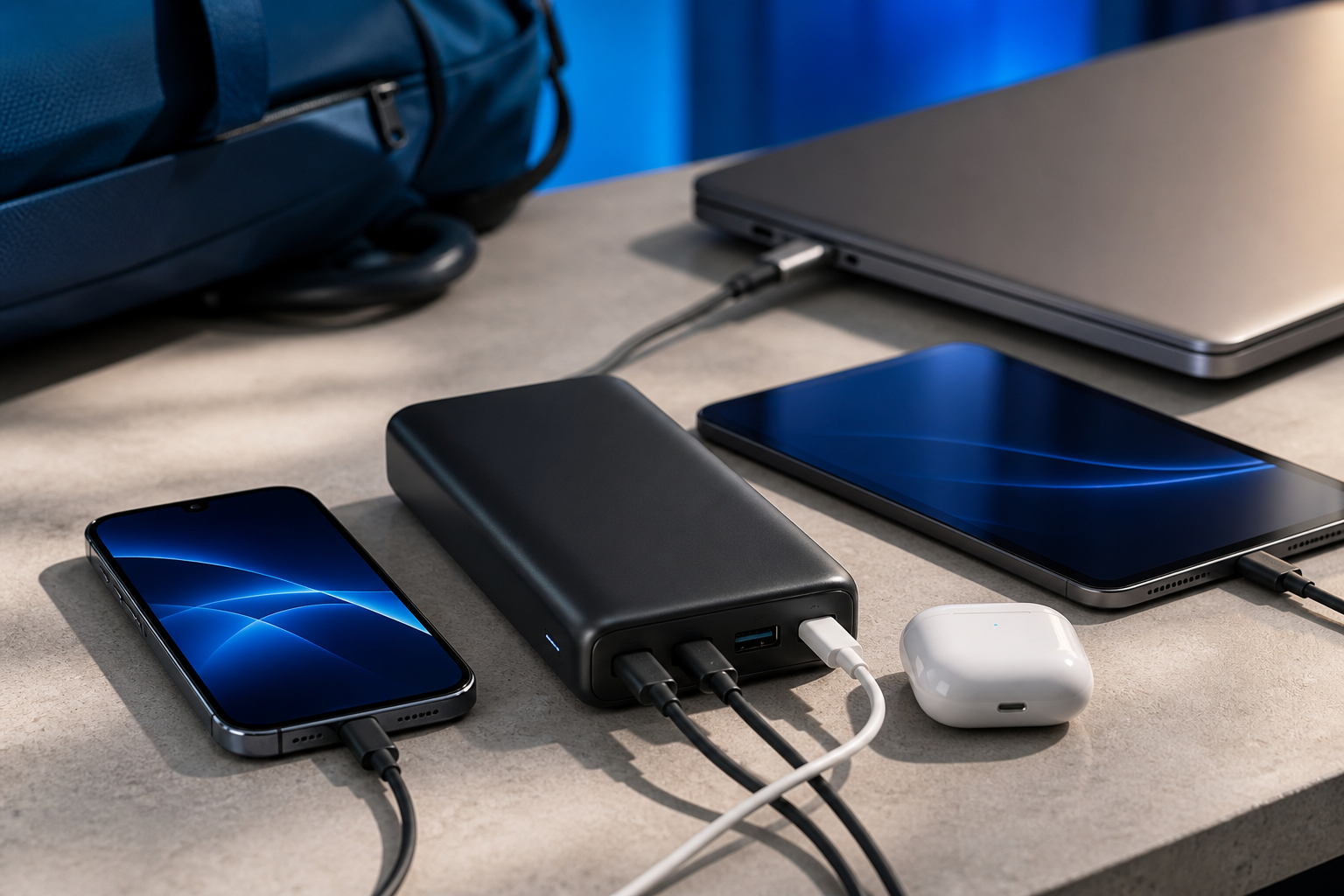
Different devices need completely different specs from a power bank. A model that's perfect for an e-reader simply won't work when you plug in a heavy work laptop. This comes down to the internal power profiles and the minimum voltage a device needs to activate its charging circuit.
We often see people go wrong by looking only at price and capacity. If you connect a standard 15W power bank to a device that needs at least 45W, the battery will still slowly drain while you're using it. Heavier hardware needs a so-called 'handshake' via a specific protocol before it will accept power at all.
The battery technology of your device also plays a role. Tablets have larger battery cells that draw a high current for a long time, which can quickly cause cheaper power banks to overheat. So always match your purchase to the most demanding device you want to use on the go.
Smartphones (iPhone & Android)
To charge phones efficiently, stick to a specific set of minimum requirements and avoid frustration.
Capacity: 10,000 to 20,000 mAh is plenty for one to four full charges, depending on the size of your phone.
Output for fast charging: Choose a power bank with at least 18W to 30W output. With this, you'll charge an average smartphone to half within thirty minutes.
Wireless charging: If you use Apple, check for MagSafe compatibility. A magnetic power bank snaps straight onto the back of your iPhone, so there are no loose cables rattling around in your bag.
Protocol: Check whether the power bank supports Power Delivery (PD) for iPhones, or Quick Charge (QC) for various Android models.
Cable quality: Always use a certified cable, otherwise the built-in safety chip in your phone will throttle the charging speed anyway.
Laptops (MacBook & Windows)
Not every power bank can charge a laptop; it takes specific hardware and robust protocols.
| Specification | Minimum requirement | Best choice (MacBook Pro / Windows workstation) |
|---|---|---|
| Output (wattage) | 60W | 100W to 145W for working and fast charging at the same time. |
| Protocol | USB-C Power Delivery (PD) | USB-C PD 3.0 or 3.1 with PPS support. |
| Capacity | 20,000 mAh | 24,000 mAh to 27,000 mAh (maximum limit allowed on flights). |
| Ports | 1x USB-C output | At least 2x USB-C (high output) + 1x USB-A for accessories. |
| Input (recharging itself) | 45W | 65W+ input, so the huge battery is full again quickly. |
Choose a 60W model if you want to top up a light office laptop in sleep mode. Definitely go for a 100W+ power bank if you run heavy graphics software and don't want the battery to keep draining while it's plugged in.
Step by step: how to choose a power bank
Follow this practical plan to filter for the right power bank straight away when shopping online.
-
1
Decide on your main device:
Always base your search on your most demanding device. A laptop power bank will charge your phone without any trouble, but a phone power bank won't get your laptop going.
-
2
Choose the right capacity based on your travel time:
Go for 10,000 mAh for your daily commute. Filter straight for 20,000 mAh or more if you regularly spend hours on a plane or train.
-
3
Check the output and fast-charging support:
Look in the specs for the maximum output per port. For modern devices, don't settle for a power bank that delivers less than 20W via USB-C.
-
4
Weigh size and weight against performance:
In practice, you're less likely to take a heavy 25,000 mAh brick weighing 600 grams with you. Find the balance between what you really need and what fits comfortably in your bag.
-
5
Check the extra features:
Filter for pass-through charging if you often stay in hotels. Pick models with a digital display if you want to know exactly what percentage of charge you have left.
Power bank FAQs
Can you take a power bank on a plane?
Yes, as long as the capacity stays under 100Wh (around 27,000 mAh), you can take it in your hand luggage without any problem. Airlines ban power banks in the hold because of the fire risk. Between 100Wh and 160Wh, you need explicit approval from the airline in advance.
Are cheap power banks safe and any good?
Often, yes, but they almost always compromise on charging speed and durability. A budget 20,000 mAh model for twenty euros will charge your device, but it can take up to six hours before the power bank itself is full again. Choose this option if speed doesn't matter, but avoid it for business or heavy use.
Why isn't my phone fast charging, even with a fast power bank?
This is almost always down to an old or damaged cable limiting the power transfer. Use a cable that explicitly supports fast charging (for example 60W or 100W). On top of that, phones often stop fast charging above eighty percent to protect the internal battery from overheating and wear.
How many mAh do I need for my phone?
For an average smartphone, 10,000 mAh is the best balance between weight and performance. It'll fully charge a phone about twice. If you have a very large phone or want to get by for days without a plug socket, step straight up to a 20,000 mAh power bank.
Which power bank can charge a laptop?
For a laptop, you need a power bank with at least 60W output and USB-C Power Delivery. For heavier models like a MacBook Pro, you need a power bank with 100W to 145W output and a minimum capacity of 20,000 mAh to keep working effectively while it charges.
You answer the question 'what power bank should I buy' by taking a close look at your own devices and how you travel. Don't just go for the most mAh; find the right balance between capacity, charging speed in watts and everyday portability. A compact model is pointless if it charges too slowly, and a heavyweight often ends up left at home. Check the battery specs of your smartphone or laptop now and choose a power bank with the right USB-C output to match.