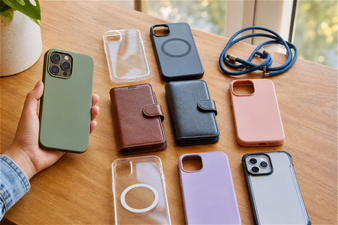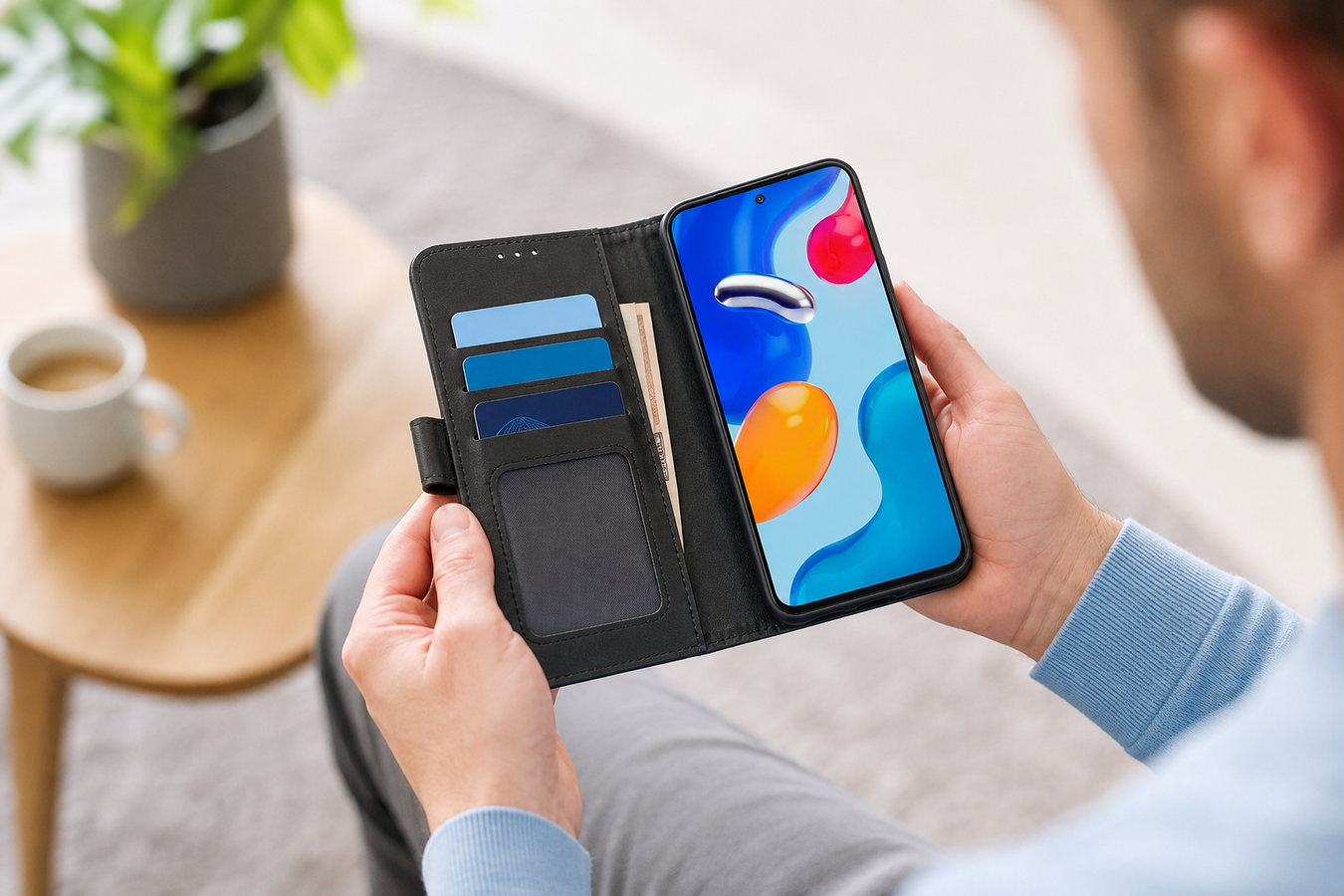
A phone case that automatically turns your mobile phone on or off when you open or close the flap is called a wallet case with an auto wake function, or auto-sleep function. The case uses a hidden magnet that interacts directly with the sensors in your smartphone.
This handy feature saves battery and time, as long as your device supports it. Below you can read how it works and what to look out for when choosing a case for your mobile phone.
What is a phone case with an auto wake function?
A phone case that switches your screen on or off automatically is a wallet case or flip cover with an auto-wake and auto-sleep function. You'll only find this feature in wallet cases and flip cases, because the front cover has to physically cover the screen for it to work.
Many people assume that any case with a magnetic closure puts your mobile phone straight into sleep mode. That's not true. A standard magnetic closure simply keeps your case neatly shut in your coat pocket or bag. It doesn't trigger any sensors.
A wallet case with genuine auto-wake support is built differently. It has a hidden magnet in the flap that works together with a compatible sensor in your mobile phone. Does a case on directcases.com not mention "auto-wake" or "sleep/wake" in the description? Then you're buying a regular magnetic phone case without automatic screen control. So always look specifically for these terms if this is the convenience you're after.
How exactly does the auto-wake and auto-sleep function work?
A working auto wake function needs two things: a magnet in the case and a sensor in your device that responds to it. Here's how it works:
Hidden magnets in the front cover, flap or closure of a wallet case or flip cover interact with a built-in magnetic sensor inside your smartphone.
When you pull the flap open, you break the magnetic field. The sensor detects this straight away and wakes your screen. Close the case again and the field is restored, putting the device into sleep mode immediately.
Your screen turns off as soon as you close the case, so it doesn't stay on unnecessarily when you put your mobile phone down. That saves battery.
Not sure whether a case can do this? Check the product description: if it says 'auto-wake' or 'sleep/wake', the case is designed for it.
Does my smartphone support this magnetic on/off function?
Not every mobile phone has a sensor that responds to the magnet in a case. Follow these steps to check whether your device is compatible and to find a case that fits.
-
1
Check your mobile phone's settings.
On many devices, such as Samsung models, support for smart accessories isn't switched on by default. Open 'Settings', search for 'Advanced features' or 'Accessories' and see if there's a toggle for a smart cover or S View cover. Switch it on manually.
-
2
Choose your phone model.
Can't find that setting anywhere? Then check your device's specifications and the case's product description. Next, select your brand and model in the menu on directcases.com.
-
3
Browse the wallet cases.
Then go to the wallet cases category. Read the product description: if it says 'auto-wake' or 'sleep/wake', the case will work with that function on your mobile phone.
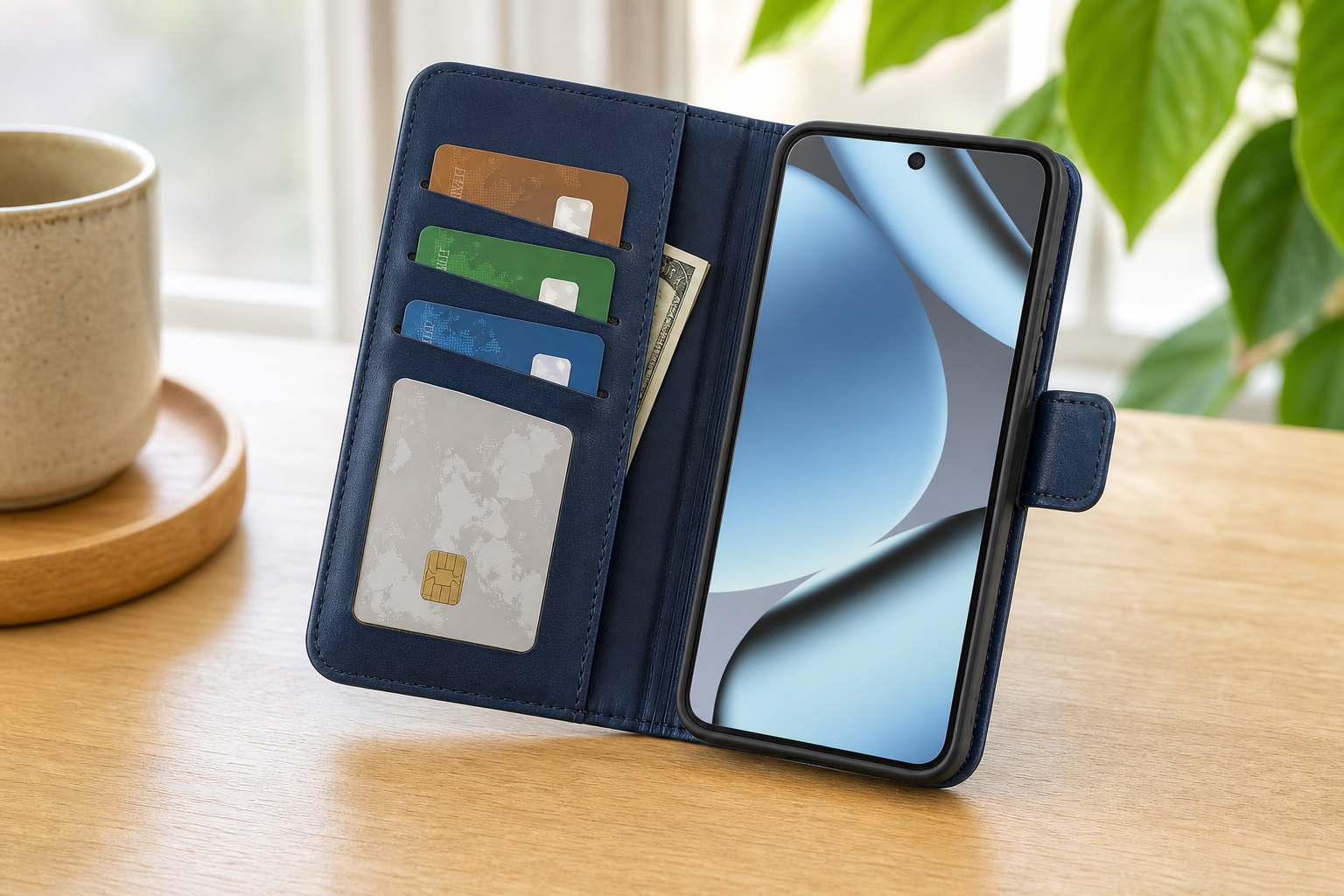
Wallet cases with auto wake function
With a wallet case with an auto wake function, your mobile phone turns on by itself when you open the case. Close the case and your screen switches off again. That makes your mobile phone easy to use, without having to press the power button every time. Pick your favourite wallet case and protect your mobile phone in style.
What if my mobile phone (like an iPhone) doesn't support auto-wake cases?
If your smartphone doesn't respond to external magnets, turn on a built-in screen feature instead. Some devices, such as the iPhone, don't always support the auto wake function through third-party wallet cases. The function only works if the device itself has the required sensor and support.
On an iPhone, you can use 'Raise to Wake' instead. Turn it on via Settings > Display & Brightness. The screen then turns on as soon as you pick up your mobile phone.
Combine this setting with a regular wallet case from directcases.com. Pick up your mobile phone, flip the cover open and the screen wakes up straight away.
Why isn't my case's auto wake function working?
A screen that won't respond is usually down to a wrong assumption about the case or to your device's settings. Go through these checks if it's not cooperating:
First, check whether the case you bought actually supports auto-wake. Many flip covers simply have a magnetic closure to keep them shut. Technically, that's something completely different from an automatic screen function.
Dig into your mobile phone's settings. On some models, you need to enable support for accessories or a smart cover yourself first. If this function is off, your mobile phone won't respond to the magnet in the flap.
Check that the flap closes tightly enough. The magnet in the cover needs to line up with your smartphone's sensor. If the flap doesn't close properly, your mobile phone may not detect the magnet correctly.
Still not working reliably? Then your device may not support the function, or the case isn't designed for auto-wake. Select your model on directcases.com, go to wallet cases and check the product description for auto-wake or sleep/wake.
Frequently asked questions
What is the auto wake function on a case?
It's a feature built into smart cases that switches your screen on and off automatically using a magnet in the flap. It saves you from having to use the power button manually every time. Your device does need to support this magnetic function itself.
Why does my mobile phone turn on automatically when I open the case?
The hidden sensor in your device detects that the magnet in the cover is moving away. This change in the magnetic field tells the software to wake the device from sleep mode immediately. You can get straight into your apps.
Why does my mobile phone turn off when I close the case?
The flap places the magnet right over the sensor in your device. The device recognises this signal and locks straight away. That way, the screen doesn't stay on unnecessarily in your coat pocket or bag, which saves battery.
What's the difference between a flip case and a wallet case?
A wallet case opens sideways like a book, while a flip case opens vertically, downwards or upwards. Both types often work as a magnetic phone case and have card slots. The sleep/wake function works the same way on both.
A case with an automatic on/off function is very convenient and saves battery, as long as your device supports the magnetic sensors. Select your device in the menu on directcases.com and browse the wallet cases with an auto wake function that fit your mobile phone.