Your new iPhone or Samsung phone slips out of your hand and hits the floor. The right protection can save you an expensive screen repair, but should you choose a hard or soft phone case? Compare hard cases with soft phone cases to see which material offers the drop protection you need.
Which is better: a hard or soft phone case?
Choosing a hard case or a soft case affects what happens when you drop your phone. Soft materials cushion the blow, while rigid materials spread the impact across the surface. The right phone case can mean the difference between an undamaged device and a cracked back.
Feature |
Soft case (TPU or silicone) |
Hard case (plastic) |
|---|---|---|
Material |
Soft and flexible |
Rigid polycarbonate |
Impact protection |
Absorbs shocks from drops |
Spreads impact to prevent dents |
Grip & feel |
Grippy and easy to hold |
Smooth and easy to slip into a pocket |
Bulk |
Adds very little thickness |
Retains the phone's slim profile |
Choose a soft phone case if you're active and need protection against hard impacts. Go for a hard case if scratch resistance and a slim fit in your pocket matter more to you.
The benefits of a soft silicone or TPU phone case
Flexible materials are well suited to heavy daily use. They help cushion your phone if you use it often and spend a lot of time on the go.
Drop protection: Flexible TPU absorbs the energy of an impact. This cushioning helps protect the parts inside your phone if it falls onto a hard tile floor.
Better grip: Silicone provides extra grip. Your phone is less likely to slip out of your hand while you talk or text.
Suitable for kids: Shock absorption matters when choosing a case for a child. Soft materials are light and easy for small hands to hold.
Easy to put on: The edges flex so you can press your phone into the case without much force. Popping it back out for cleaning is just as simple.
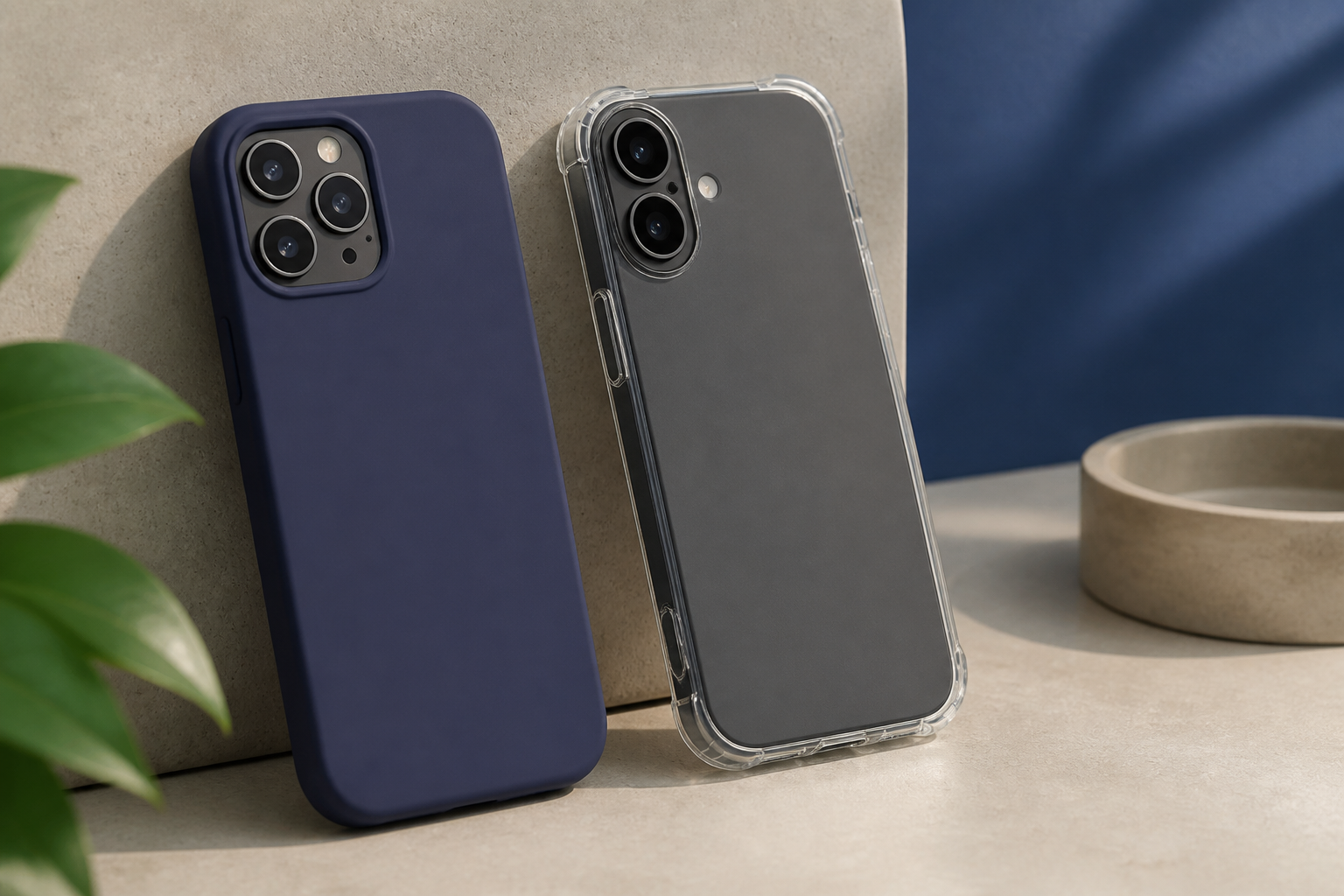
Choose silicone if you often spend time outdoors, play sports, or tend to drop your phone. If you usually carry your phone in a tight jeans pocket, the grippy surface can make it harder to slide in and out.
The benefits of a hard plastic phone case
A rigid polycarbonate case helps protect your phone from sharp objects.
Scratch protection: This material protects your phone from zippers and keys in a bag or jacket pocket. It resists dents and protects the phone's body when it rubs against the surface of a desk.
Slim profile: Hard plastic adds very little thickness. Your phone keeps its shape and is still comfortable to hold.
Smooth finish: A hard case slides in and out of tight pockets easily. Grippy rubber tends to pick up dust.
Keeps its shape in heat: Polycarbonate is highly heat-resistant. Soft material can warp when exposed to heat, while hard plastic holds its shape.
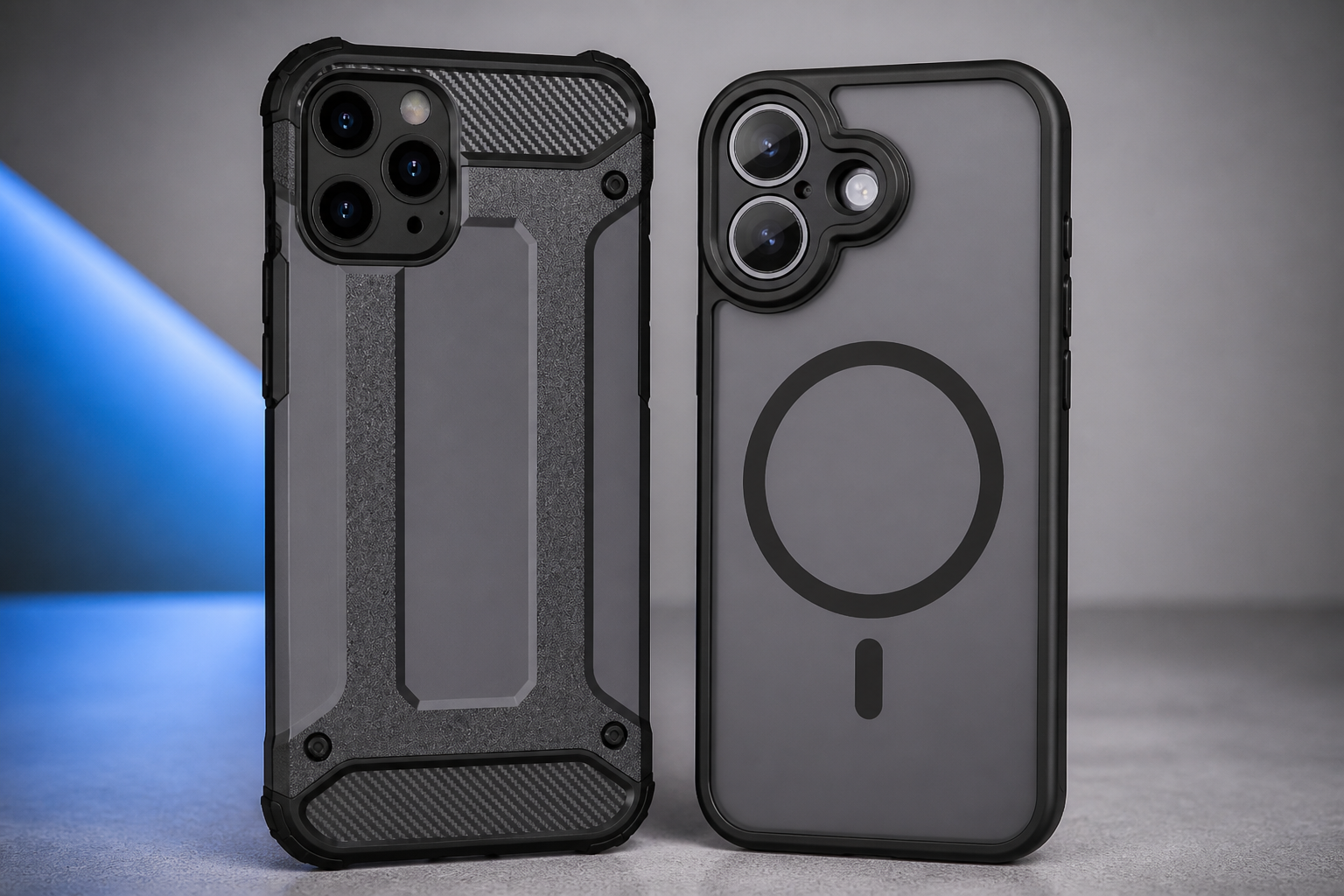
Choose a hard case if you work in an office, often carry your phone loose in a bag, and want a slim case for everyday protection. If you tend to drop your phone on rough surfaces, look for better shock absorption.
How to choose a phone case
Follow these four steps to choose a case that suits how you use your phone.
-
1
Consider how active you are
Do you work outdoors or carry your phone while playing sports? Choose a flexible material with good drop protection. For everyday office use, hard plastic is enough.
-
2
Decide how much grip you need
If you often drop things as you walk, choose a phone case with a grippy finish that stays put in your hand.
-
3
Check compatibility with accessories
Always check whether the case is thin enough for wireless charging. Most thin materials allow wireless charging as long as there are no metal plates.
-
4
Choose a reliable brand
Look for a case made for your phone model. Brands such as Mobigear and Otterbox offer cases designed to fit specific devices and protect them against drops over time.
Other options: a wallet case or a standard back cover?
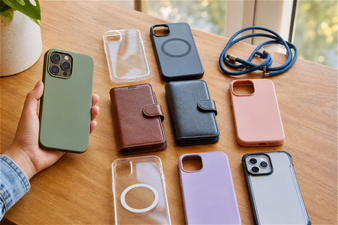
Both the material and the design affect how well a case protects your phone. A standard back cover only shields the back and edges. Add a sturdy screen protector to prevent damage to the display. With a back cover, you can see incoming notifications as soon as they appear.
A wallet case covers the whole phone because the flap folds over the screen. Depending on the model, you may get card slots, a genuine leather finish, and a built-in stand. Close the case to keep keys in your bag from scratching the screen.
Choose a back cover if you want to see and respond to notifications quickly. Choose a wallet case if you also want to cover the screen. A wallet case with card slots can double as your wallet. Pair a back cover with a screen protector. A wallet case already offers good drop protection on its own.
Frequently asked questions about phone protection
Is a hard or soft phone case better?
It depends on how you use your phone. A soft phone case absorbs shock from drops better, while a hard case offers better protection from deep scratches. Choose a soft case for grip or a hard case for a slim profile. Both offer everyday drop protection.
Does a phone case protect the screen too?
Only if the case has raised edges or a flap that covers the screen. With a standard back cover, the display is still vulnerable if the phone lands face down on an uneven surface. Pair a back cover with a screen protector made for your model. A closed wallet case covers the entire screen to protect it from impacts.
Does wireless charging work through any case material?
Yes, as long as the plastic or flexible layer isn't too thick. Wireless charging works through most standard phone cases. Remove a wallet case holding bank cards or any case with a metal mounting plate before putting your phone on the charger. Keep metal objects out of the charging area. If you charge your iPhone wirelessly with a MagSafe charger, use a MagSafe case.
Whether you prefer the scratch resistance of a hard case or the grip and cushioning of a soft silicone case, choose a material that suits how you use your phone. Add a screen protector if needed to help avoid repair costs. Browse phone cases for your device at directcases.com.