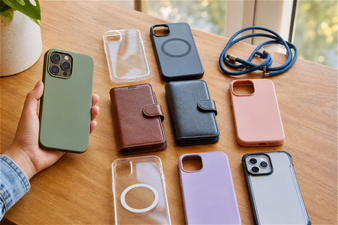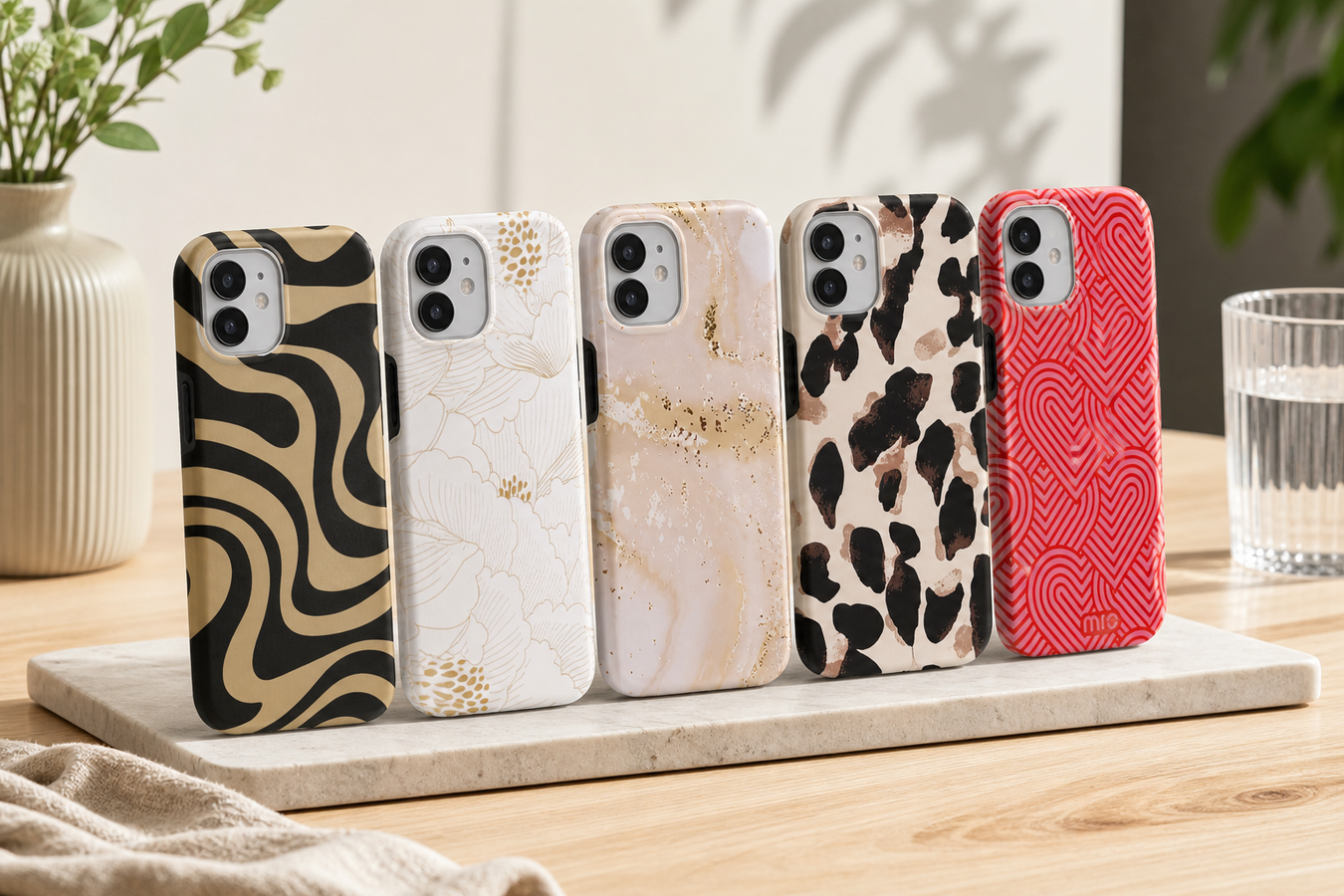
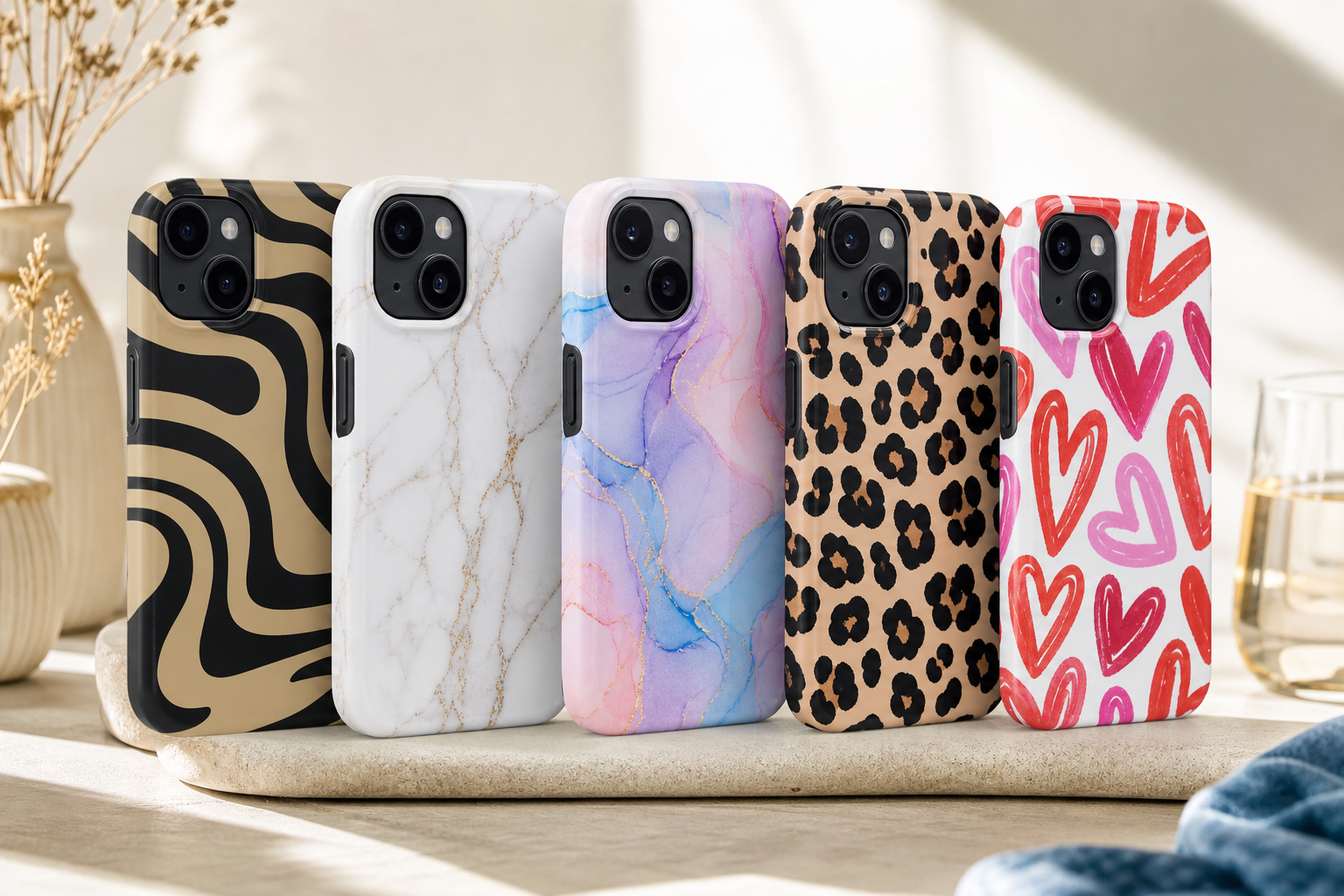
Our five favorite MIO phone cases right now are Sandy Zebra, White Marble, Silky Dreams, Leopard, and Wild Hearts. These cases combine bold prints with sturdy protection and MagSafe compatibility.
Choose a MIO back cover that fits both your style and your phone model. Pick the print you like best from these popular designs.
Why choose a MIO case with a distinctive print?
What else do these MIO phone cases offer? A good-looking case has to protect your phone from drops and let you keep using wireless charging. These cases combine sturdy materials with features that help with both.
The case fits snugly around newer phone models. Its slim design still slips easily into your pocket.
The hardcase back cover is made of durable TPU. Its edges flex slightly to absorb impacts from drops and bumps more effectively than rigid plastic.
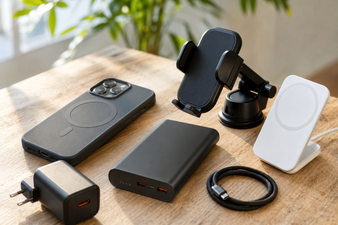
Every model is MagSafe compatible. Snap a wireless charger, card holder, or car phone holder onto the back without removing the case.
The collection has its own prints that reflect current trends and give your phone a distinctive look beyond the season.
Our five favorite MIO cases
These were the five best-selling MIO cases in the first half of 2026. Nature-inspired prints and abstract patterns lead this year's trends, with designs ranging from understated to bold. The table below shows which prints are available for your iPhone or Samsung. Compare the hardcase designs at a glance, from minimalist marble to bold hearts.
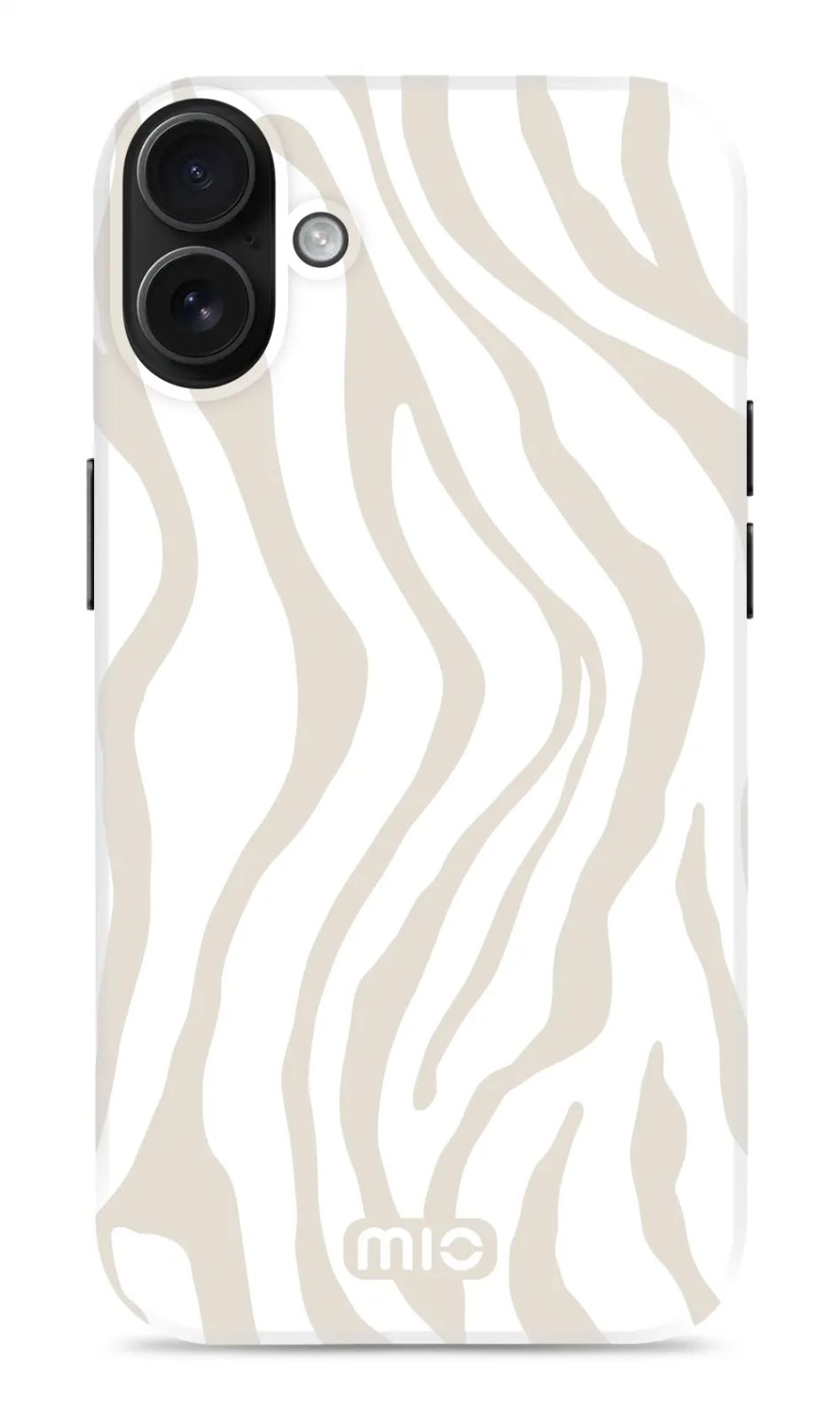
1. Sandy Zebra
Set your phone down at lunch and the back of the case is what people see. Sandy Zebra gives it a natural look, with soft sand tones and subtle zebra stripes that break up the straight lines of your phone. The pattern stands out without looking loud.
Popular accessories to pair with your case
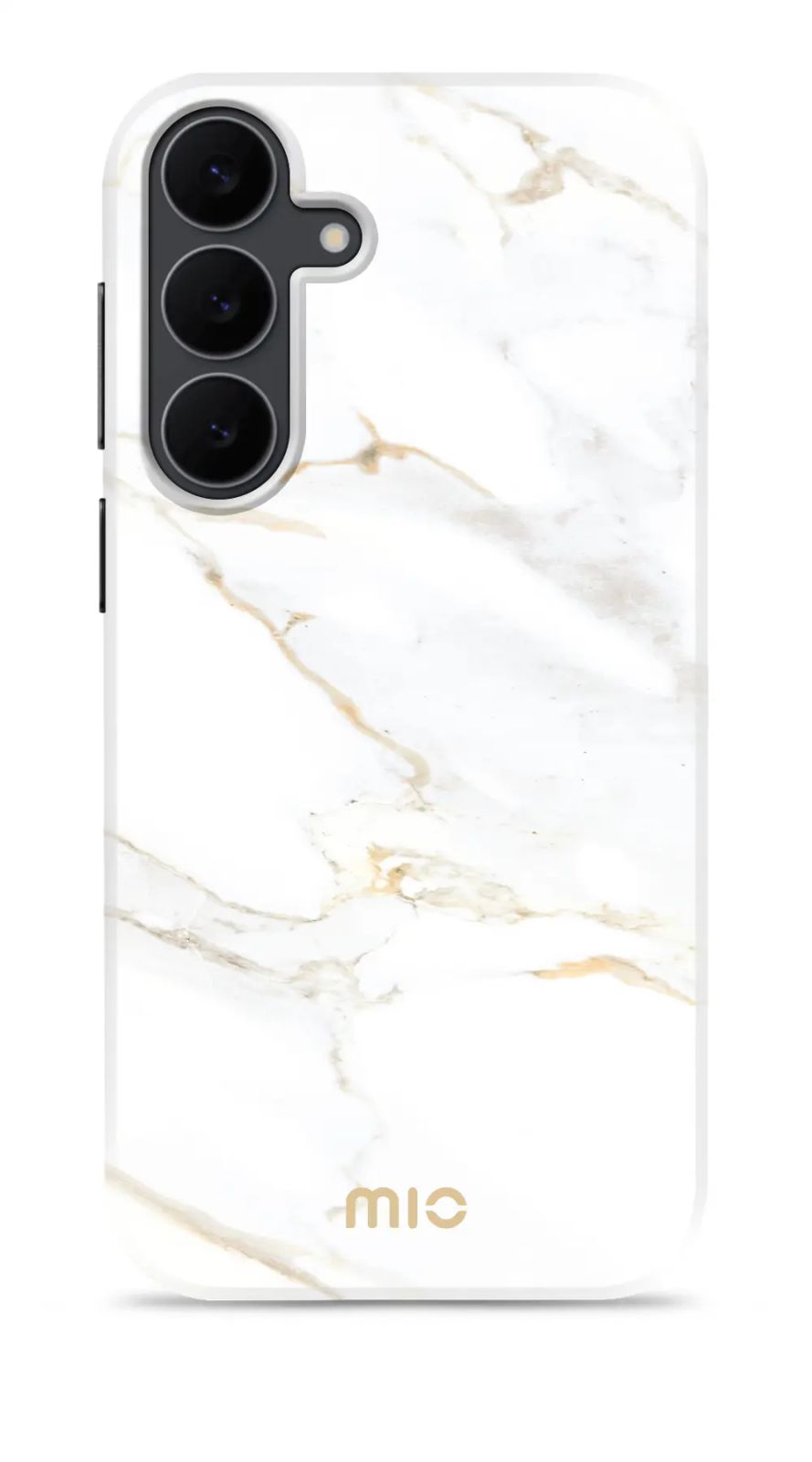
2. White Marble
For a more understated look, choose White Marble. Fine veins on a white marble background suit the clean lines of newer phones. Both designs fit snugly and work with MagSafe chargers. A wireless charger or car phone holder snaps onto your MIO MagSafe case, so you can leave the back cover on when you charge your phone.
Popular accessories to pair with your case
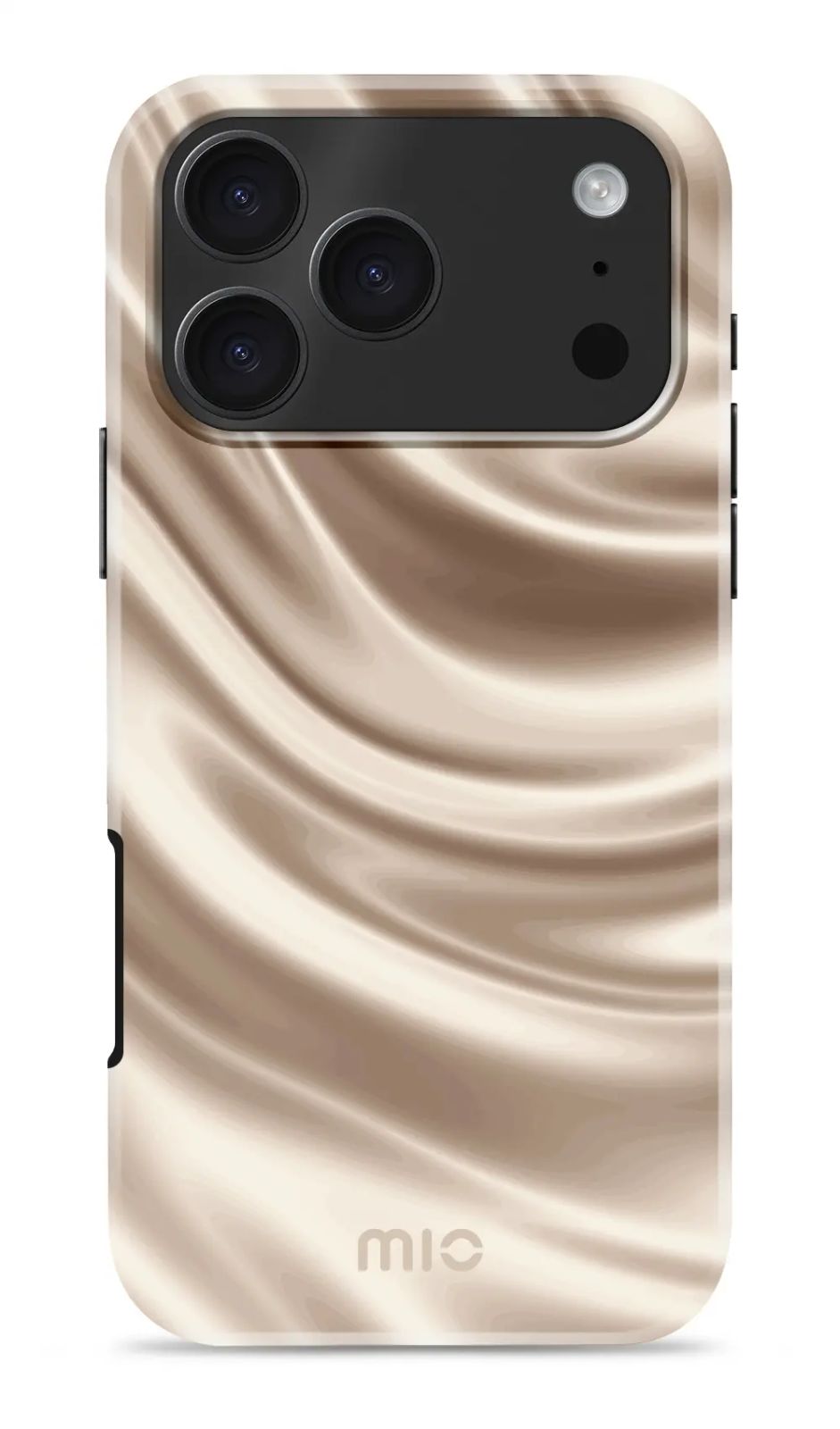
3. Silky Dreams
Silky Dreams is a soft, abstract print. Blended pastels contrast with the clean lines of your phone and go well with light-colored outfits. Choose this print if you want something subtle with a creative touch.
Popular accessories to pair with your case
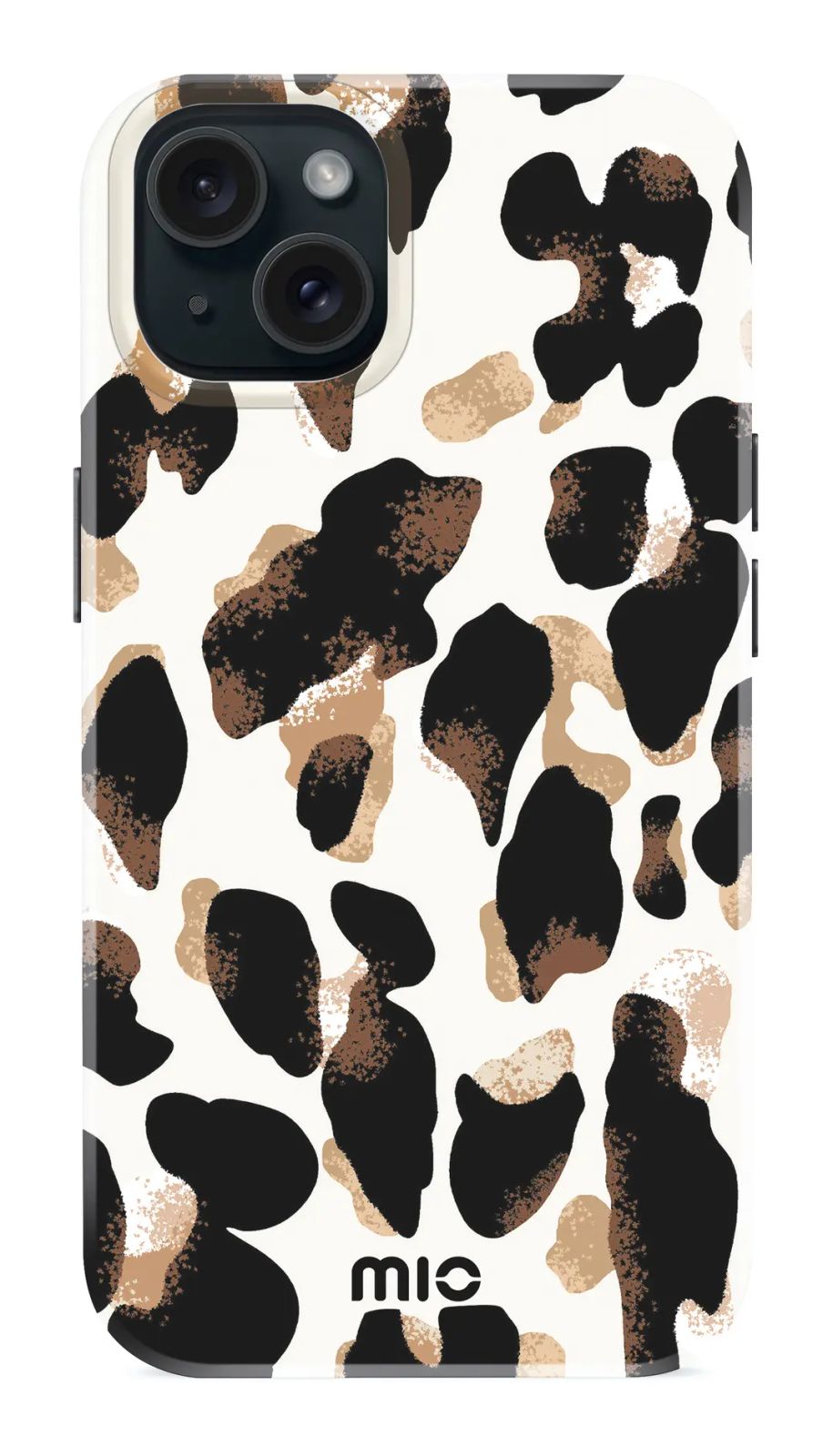
4. Leopard
Leopard goes in the opposite direction. This classic animal print gives your phone a bold look with sharp contrasts. Skip it if you prefer your phone to blend in on your desk. Both designs come as MagSafe cases, so you can use magnetic chargers and holders and keep your phone protected.
Popular accessories to pair with your case
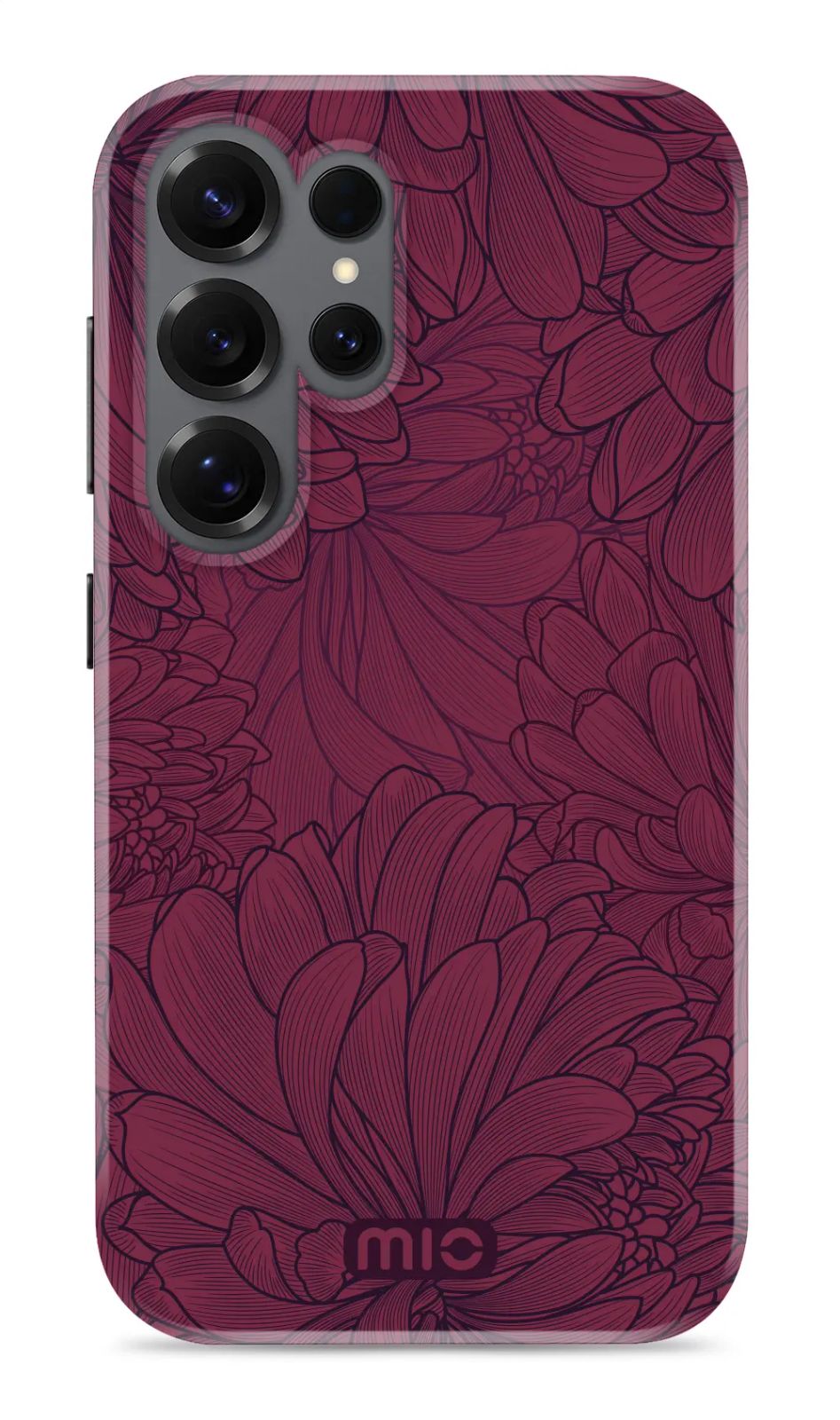
5. Berry Blooms
Berry Blooms pairs a floral pattern with deep berry shades that stand out against the background. Choose this print if you like a pop of color and treat your phone as part of your outfit. Each case is made for a specific phone model. The camera and charging port cutouts line up with your phone, and the snug MIO back cover keeps the buttons easy to press.
Popular accessories to pair with your case
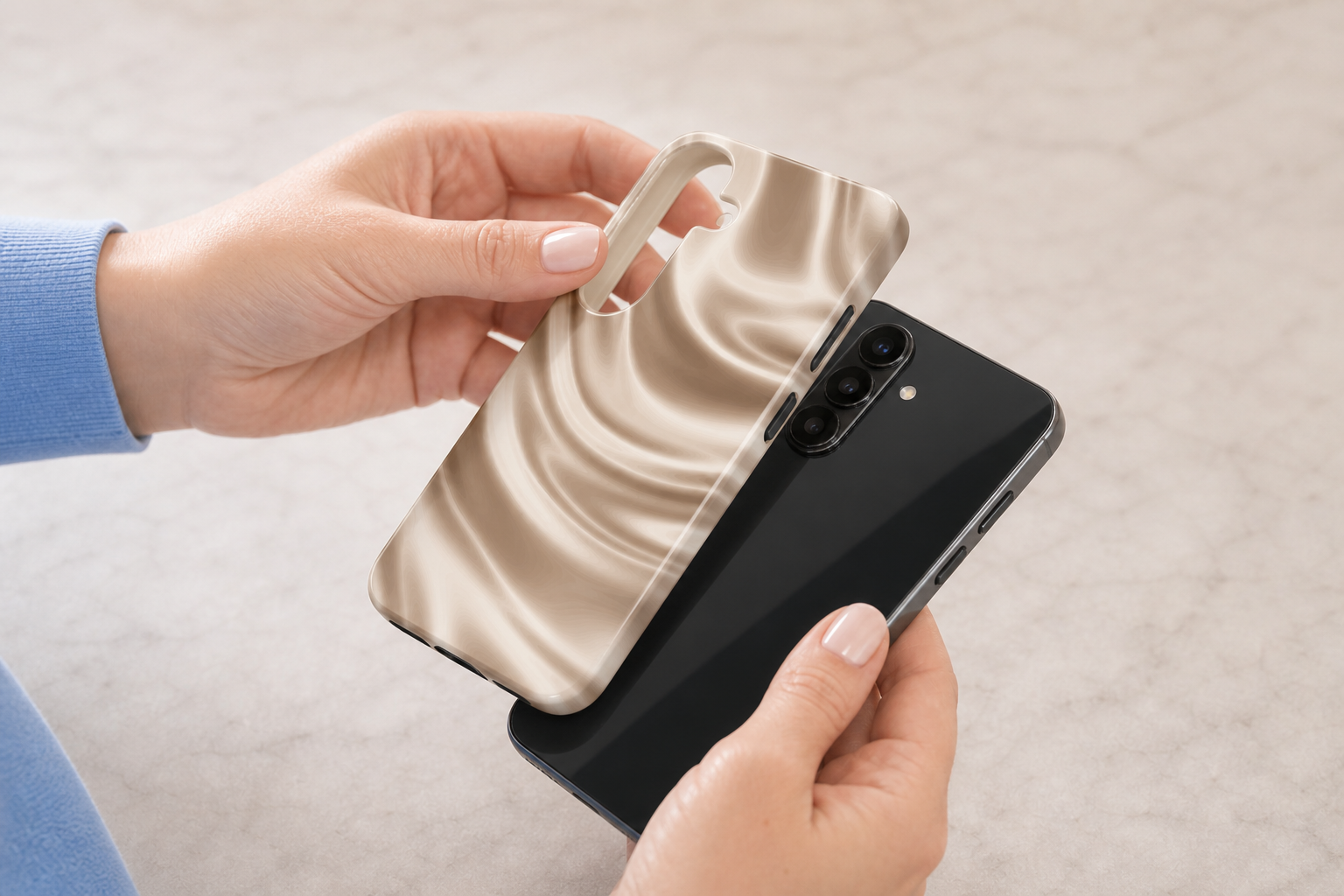
How do you fit a MIO MagSafe case?
How do you snap a sturdy case onto your phone without scratching it?
-
1
First, remove dust and grease from the back and edges of your phone. A grain of sand caught under the case can scratch the housing.
-
2
Fit the volume button side of the phone into the hardcase first. This keeps the raised buttons from catching or getting damaged.
-
3
Press the remaining corners firmly until you feel them click into place. The phone should now sit snugly in the case.
-
4
Test the magnetic connection by snapping a MIO card holder onto the back, for example. Check that it stays in place.
Are MIO cases MagSafe compatible?
Yes. All five MIO phone cases have a built-in magnetic ring. The iPhone has this technology built in for accessories and charging. Samsung phones don't have it built in, but the ring in the case lets you attach MagSafe accessories to your Galaxy. Magnetic card holders and car phone holders snap into place. For Samsung, the ring is for attaching accessories only. It doesn't enable magnetic charging.
Do you have to remove the back cover to charge your phone?
You can leave the case on when using MagSafe accessories. The magnets work through the plastic. Snap a charger onto the back to start charging.
Sandy Zebra, White Marble, and Leopard each give your phone a different look while keeping it protected and easy to use.
Pick your favorite print from these five MIO cases and pair it with compatible MagSafe accessories. Find your phone model on directcases.com and order your MIO back cover.