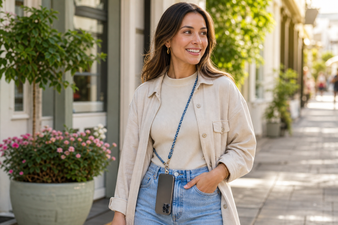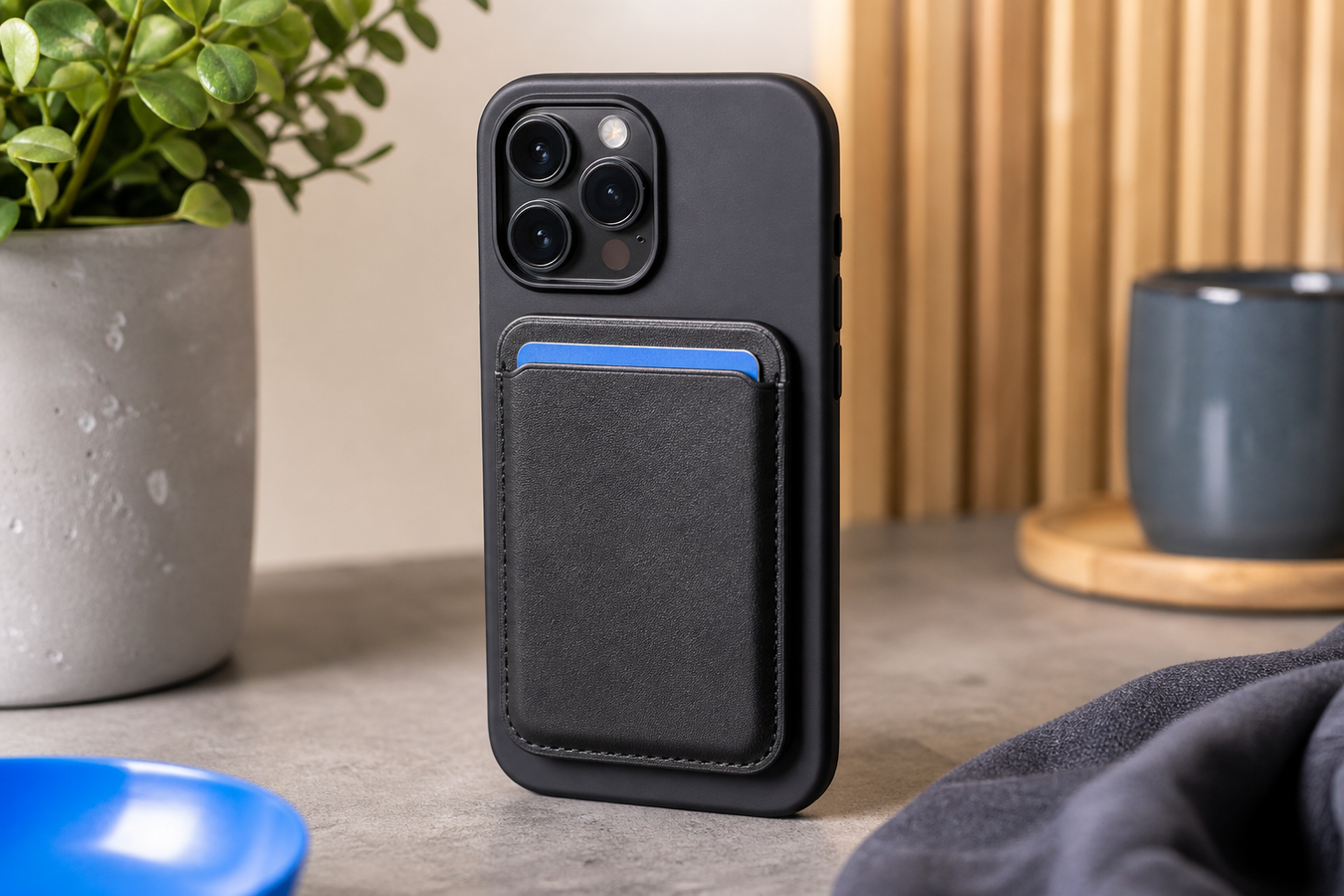
No more bulging pockets or overstuffed bags. With a MagSafe wallet case setup, you keep your most important cards and your phone together in one place. Below, you'll find out how to safely combine a MagSafe wallet with your phone case, which brands you can find at directcases.com and how to choose the right combination.
What is MagSafe and how does the magnetic attachment work?
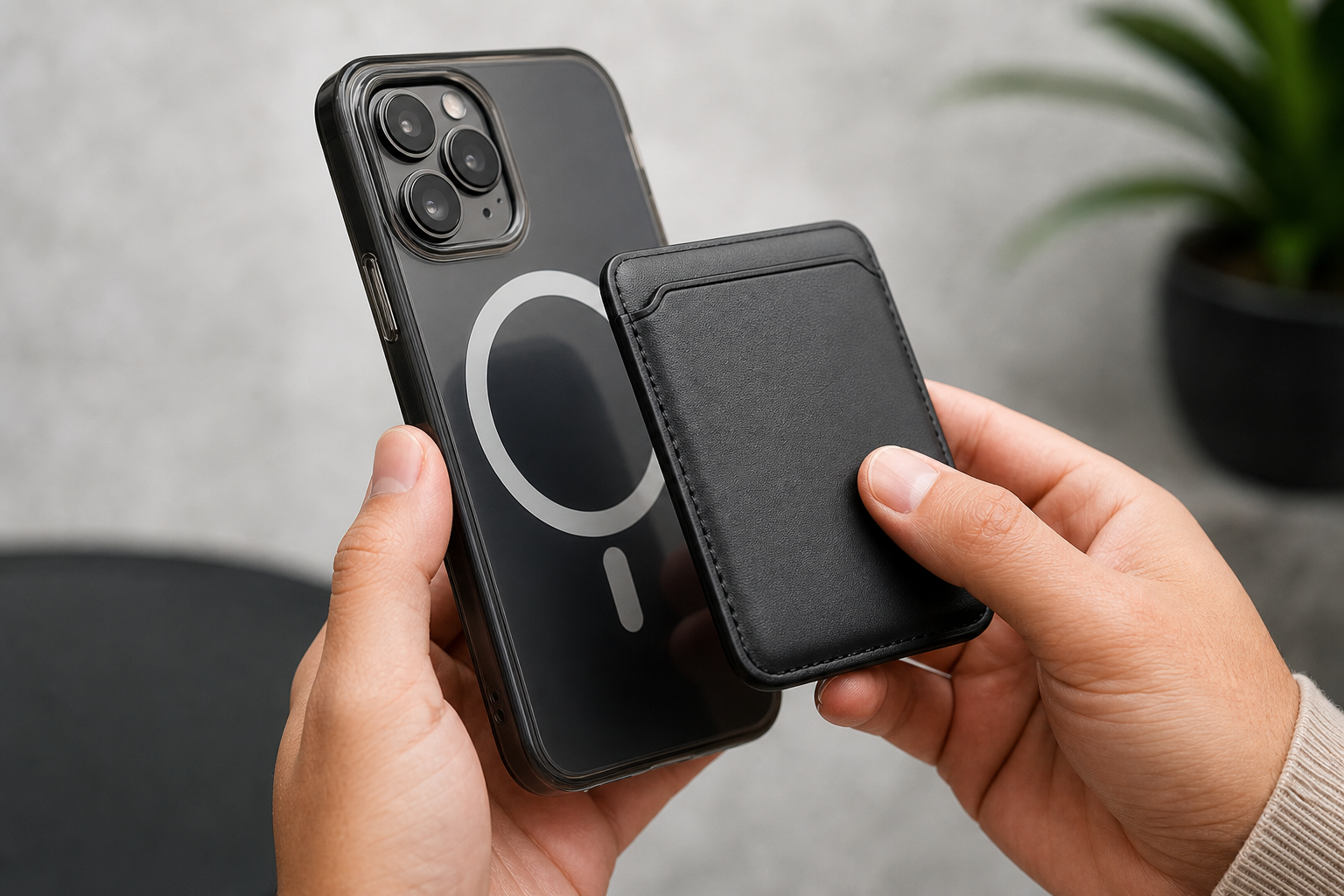
Apple introduced MagSafe technology with the iPhone 12 series, so accessories snap onto the phone in exactly the right spot. The system uses a ring of built-in magnets on the back of the phone. These magnets line up with the magnets in compatible accessories, such as a MagSafe wallet. As a result, the accessory pulls itself into the right position and stays firmly in place.
Lots of people wonder whether their bank card is safe so close to strong magnets. That's why a good MagSafe wallet has shielding between the magnets and your cards. Apple shields its own MagSafe wallet for the same reason.
Do be careful when charging, though. Take the wallet off your iPhone before you put it on a MagSafe charger. According to Apple, cards placed between the phone and the charger can get damaged.
Can you use a MagSafe wallet with any phone case?
For the wallet to work properly and stay on securely, you really need a dedicated MagSafe case. A standard case without built-in magnets puts too much distance between your iPhone and the wallet. That extra millimetre of material blocks or seriously weakens the magnetic hold, so the card holder comes off at the slightest touch.
| Surface type | Magnetic grip | Risk of detaching | Suitability for a MagSafe wallet |
|---|---|---|---|
| MagSafe case | Maximum (reinforced) | Very low | Excellent |
| Standard case (no MagSafe) | Weak to none | Very high | Not recommended |
| Standard iPhone (no case) | Good (thanks to smooth glass) | Low | Good |
MagSafe case vs. standard back cover
MagSafe case: Has a built-in magnetic ring that lines up exactly with your iPhone. It gives you maximum grip and is perfect for a separate magnetic wallet. Brands like Mobigear and Decoded make cases that keep or even boost your phone's magnetic strength.
Standard back cover: Has no magnets and acts as a barrier. The magnetic field barely reaches the outside of the case, so a MagSafe wallet easily falls off during everyday use.
Rule of thumb: Always go for a MagSafe case if you plan to use magnetic accessories. Skip a standard back cover if you want to carry your cards safely on your phone.
Find the perfect combination at directcases.com
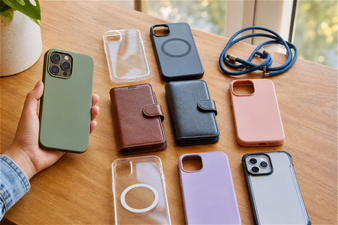
At directcases.com, you'll find MagSafe cases and matching wallets in one place. Mix and match colours and materials from brands such as Mobigear, Valenta, Nudient, Decoded, Burga and Mobilize.
Choose your case by iPhone model and look for the "MagSafe compatible" label. That way, you know your wallet's magnets will get a good grip. Combination not quite right after all? You get 60-day returns.
Popular MagSafe cases
Popular MagSafe Wallets
Step by step: how to attach your MagSafe card holder perfectly
-
1
Check your gear.
Make sure your iPhone has a suitable MagSafe case from our range. Without this case, you won't get the grip you need for a secure fit.
-
2
Clean the surface.
Wipe the back of the case free of dust and grease with a microfibre cloth. Dirt or skin oils reduce friction, and friction is key to maximum magnetic contact.
-
3
Attach the wallet.
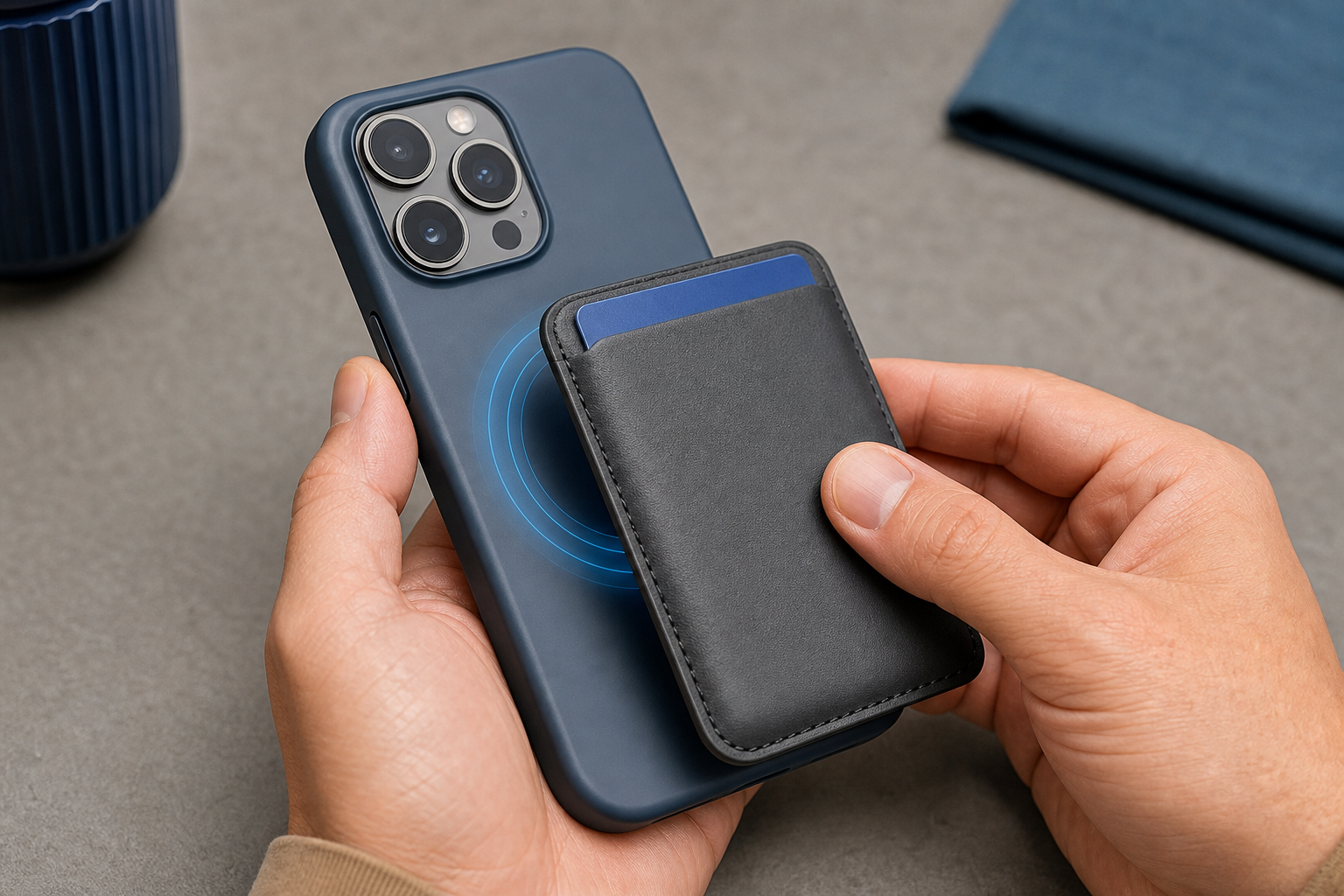
Hold the MagSafe wallet close to the back of the phone. You'll feel the magnets take over straight away, snapping the accessory into the right spot.
-
4
Test the fit.
Gently push against the side of the wallet to check it's firmly attached. A properly positioned card holder won't slide off under light pressure.
-
5
Fill the holder.
Slide your most important cards into the wallet. Don't overfill it; stick to the recommended capacity so the material doesn't stretch.
Alternatives: from separate card holders to wallet cases
Not every phone has MagSafe technology, and sometimes you simply need more storage space. Fortunately, there are great alternatives available. Check out the comparison below to weigh up the right level of protection and the capacity you need.
Accessory type |
Capacity (number of cards) |
Protection level |
Ideal for... |
|---|---|---|---|
MagSafe wallet |
2 to 3 cards |
Back only (combined with a case) |
Minimalists with an iPhone |
Back cover with cardholder |
1 to 2 cards |
Back and sides |
A slim design with no separate parts |
Wallet and flip cases |
3 to 5+ cards plus notes |
Full (360-degree) |
Maximum storage and screen protection |
Phone bag |
Multiple cards, keys, cash |
Full (while carried) |
Festivals and walks |
Choose a wallet case if you want full screen protection and to leave your wallet at home for good. Avoid separate card holders if you have an Android phone without a magnetic ring, and go for an integrated solution instead.
Back cover with cardholder or a phone bag?
A back cover with a built-in card holder gives you an ultra-slim design. Models from brands like Mobigear or CaseMe have a clever slot or sliding system that tucks your cards right into the case. It's the perfect choice when you only need your driving licence and a bank card, and your phone has to fit easily in your pocket.
A phone bag, on the other hand, is ideal when your clothes don't have pockets. Think summer festivals, long walks or a quick trip to the shops. You carry your phone safely around your neck or over your shoulder, with extra room for keys and change, without lugging a heavy bag around.
Looking for a happy medium? Wallet and flip cases from established brands like Valenta have room for several cards plus notes. These cases fold shut over the screen, giving you full 360-degree protection against scratches and drops.
Popular back covers
Popular phone bags
FAQs about MagSafe wallets and cases
How many cards fit in an average MagSafe card holder?
A standard MagSafe wallet usually holds 2 to 3 cards. It's deliberately kept compact to preserve your phone's slim profile. Never cram in more cards than recommended, as this can permanently stretch the material (especially on leather versions), which means cards may fall out later.
Does a MagSafe wallet work on an Android phone?
Yes, but only with a special MagSafe-compatible ring or a dedicated case. Android phones don't come with the built-in magnets needed. By sticking a magnetic sticker on your phone or using a case with a built-in magnetic ring, you can still make your Android phone work with these accessories.
Can the MagSafe magnets demagnetise my cards?
With a shielded MagSafe wallet, the chance is small, because the shielding keeps the magnetic field away from your cards. Do take the wallet off your iPhone before you put it on a MagSafe charger. According to Apple, cards placed between the phone and the charger can get damaged.
Do MagSafe wallets really stay on in your pocket?
With a MagSafe case, the wallet holds on firmly enough for everyday use. The magnets keep the wallet centred securely on the back. Be careful with very tight trouser pockets, though; slide your phone in straight so the edge of the pocket doesn't push the wallet off.
A MagSafe wallet, a back cover with card holder or a wallet case: each of these options keeps your phone and cards together in one place. Ready to leave your bulky wallet at home? Check out the MagSafe phone cases and matching wallets at directcases.com.